One conversation, one recording day, then you make it yourself.
All it takes from you is a few short moments. We do the rest.
In short
We start with a demo. We discuss your situation and show you what it could look like for you, with examples that fit your work. So you see straight away what is possible.
Then we plan a recording day. We record one or more colleagues and turn that into an AI clone. It sounds more daunting than it is.
The clone is usually ready in about a week. Then follows an onboarding of 30 to 45 minutes with whoever will manage the videos and the platform on your side. The platform is designed to be easy.
From then on, you make the videos yourself. You enter your text and the platform does the rest. From idea to a video you share with your employees can take just fifteen minutes.
What happens at each step
Step 1: Tailored demo
30 minutesa conversation with us
Loading calendar
MoTuWeThFrSaSuChoose a day
30 minutes, online
Pick a time: the calendar is real
We discuss your situation and together choose a first project, often the onboarding of new employees. Afterwards you know exactly what will happen and what it asks of you.
Step 2: Recording day on location
Half a dayabout an hour per person, at your location
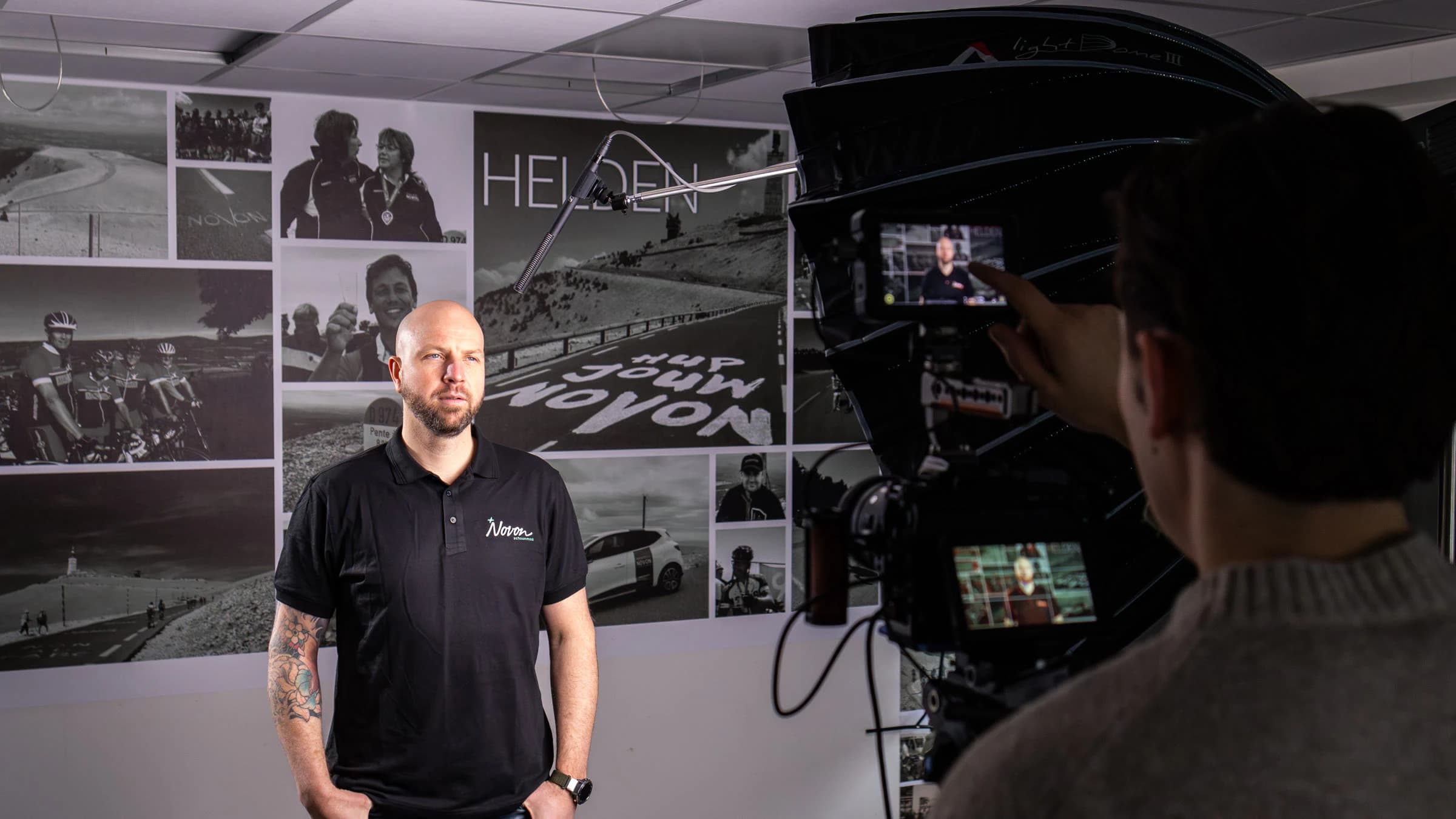
The recording day of Novon's commercial director
Beforehand, we explain in a short online briefing what will happen. On the day, we record one or more colleagues: first the voice, then a few short takes. Nothing to learn by heart, and it doesn't matter what you say.
Step 3: We build the clone
About a weekyou don't need to do anything
The same director, now as an AI clone
We create the clone and get it ready in your own environment, set up in your house style. You don't have to set anything up yourself. Once it's ready, you get an email and we schedule the onboarding.
Step 4: Onboarding with your team
30 to 45 minuteswith the team that will work with it
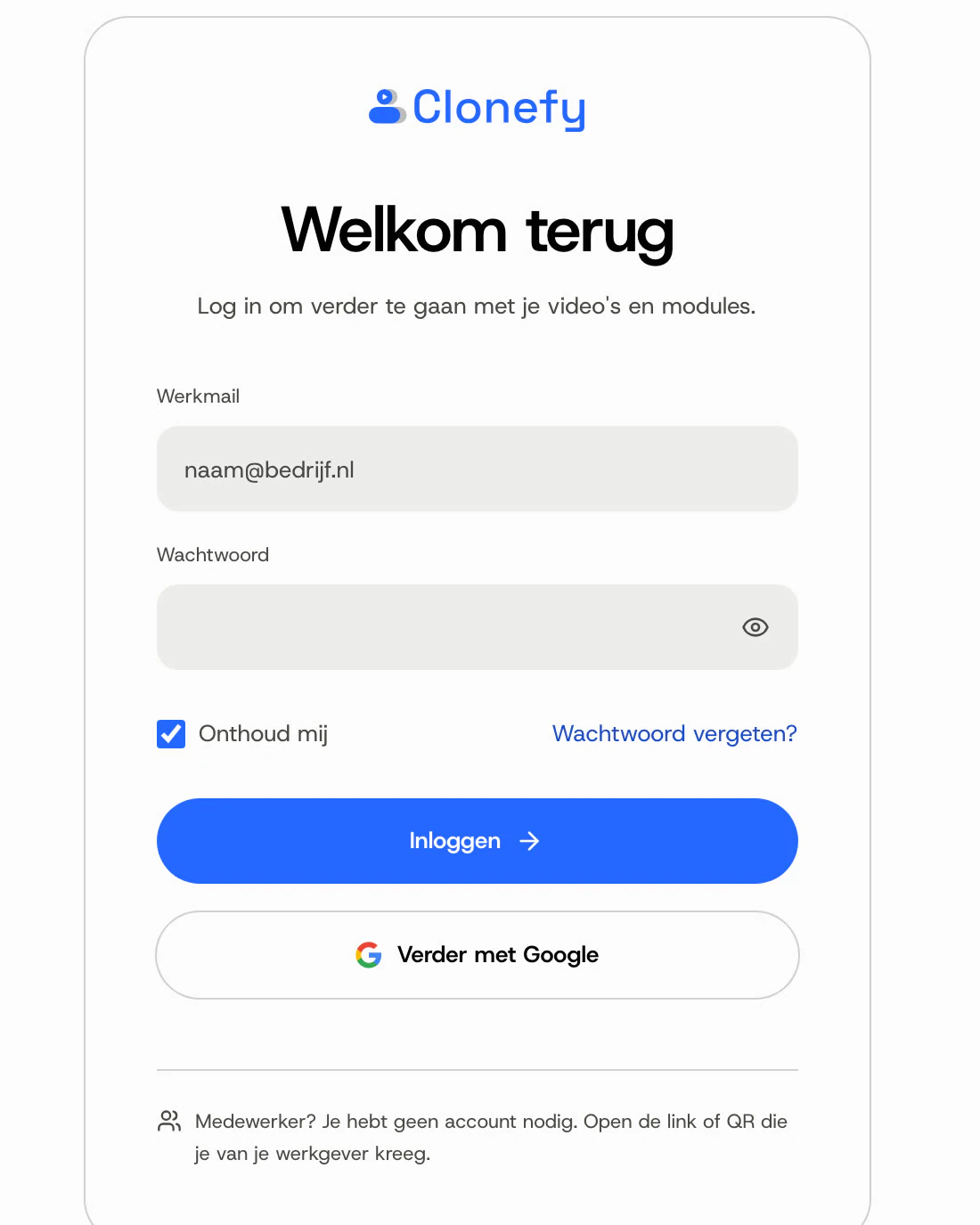
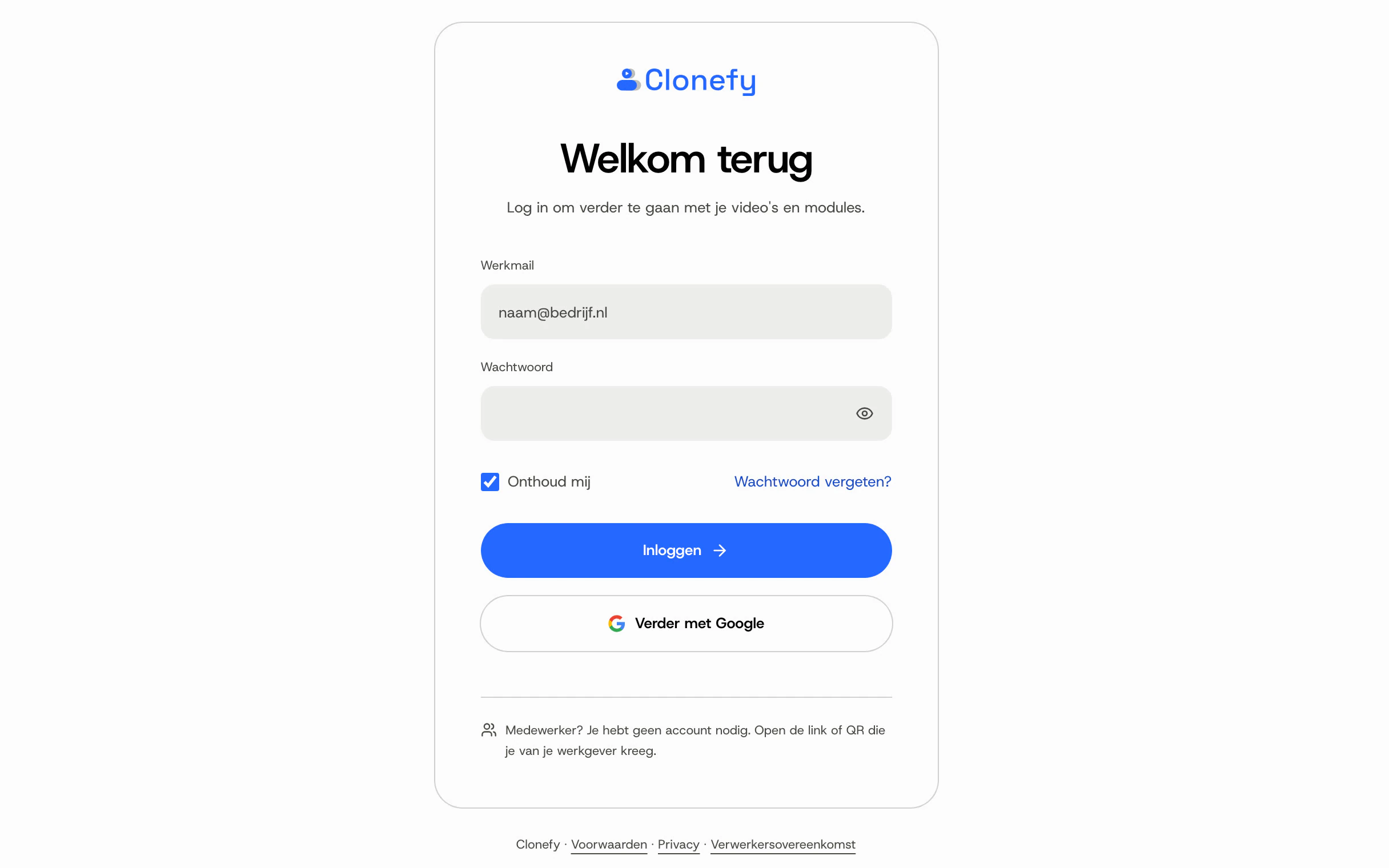
Your administrators log in to the platform
We go through the platform together, from making a video to seeing who watched it and who got it right.
Step 5: You make your own videos
A few minutesper video, then a 10 to 15 minute wait
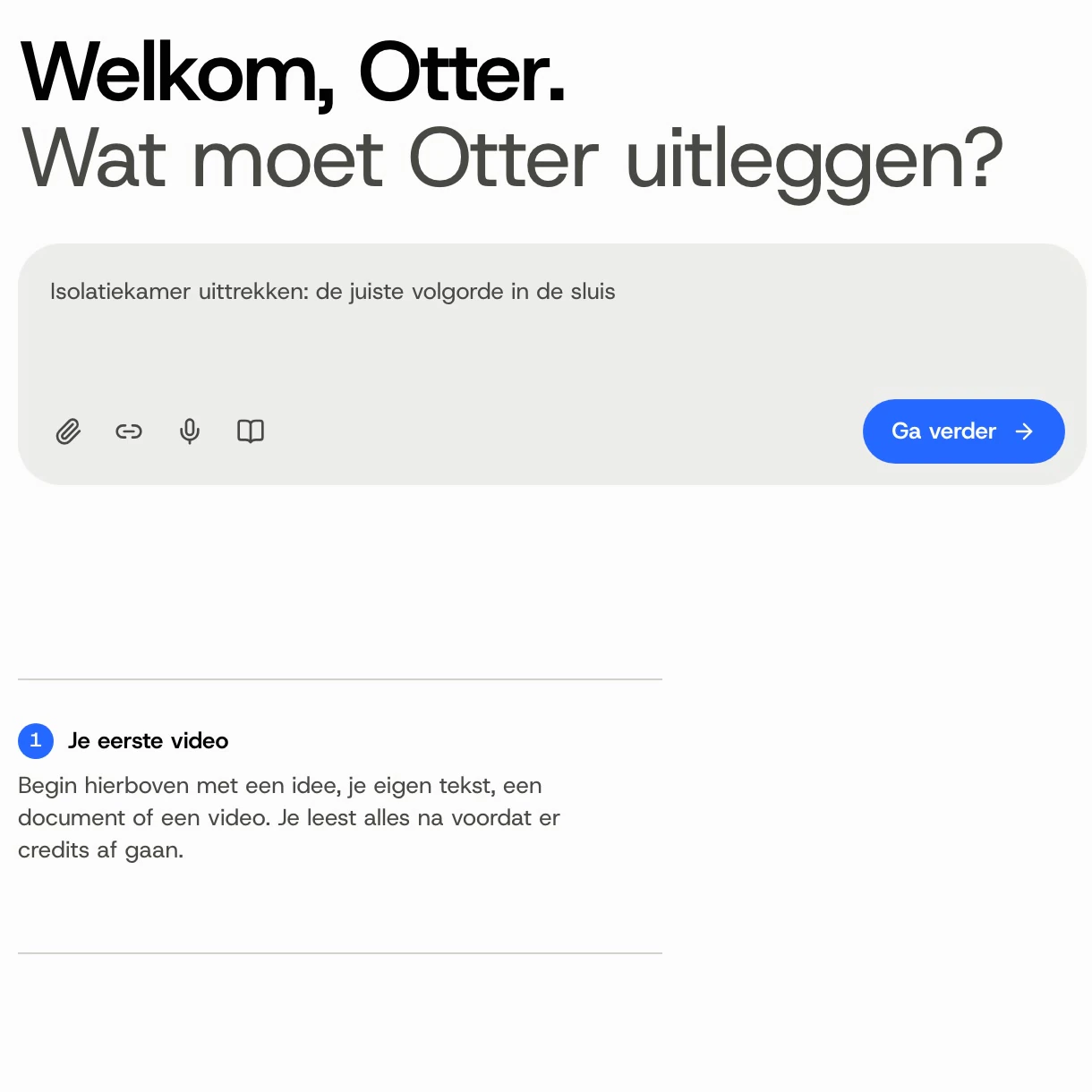
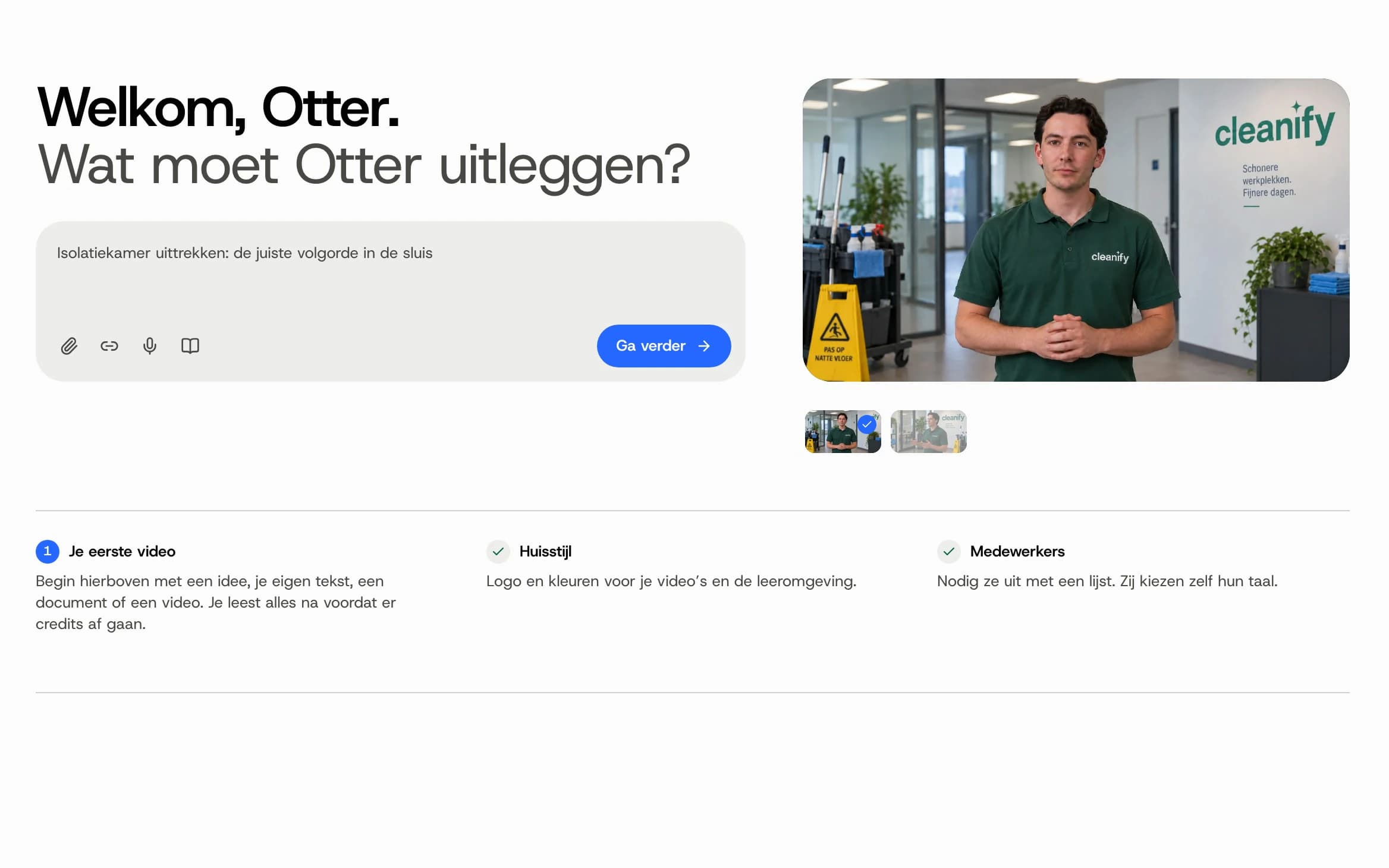
The home screen: type what the clone should explain and make your first video
Type the text in your own language and choose the languages. After 10 to 15 minutes the video is ready and you share one link. And we're there whenever you need us.
What we ask of you, and what we don't.
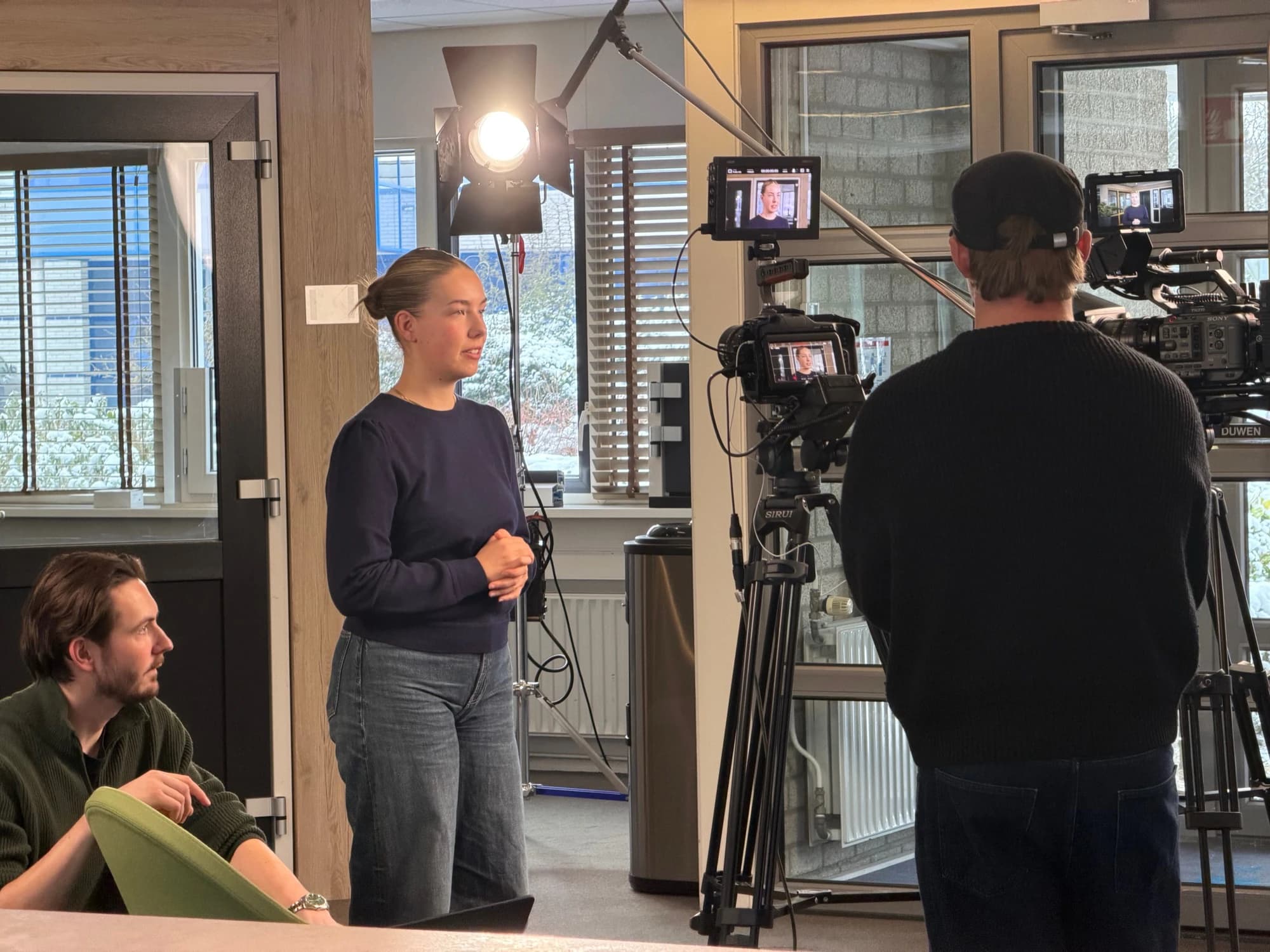
Recording day at Kumij
From you
- A quiet room on the recording day
- One or more colleagues willing to say a few words on camera
- An existing instruction or an idea for the first video
Not needed
- Learning a text by heart
- Setting up or configuring anything yourself
- Knowledge of AI
- A login or app for employees
This is what a recording day looks like.
We bring the camera, lighting and sound. All we ask of you is a space and a colleague who has a moment to spare.
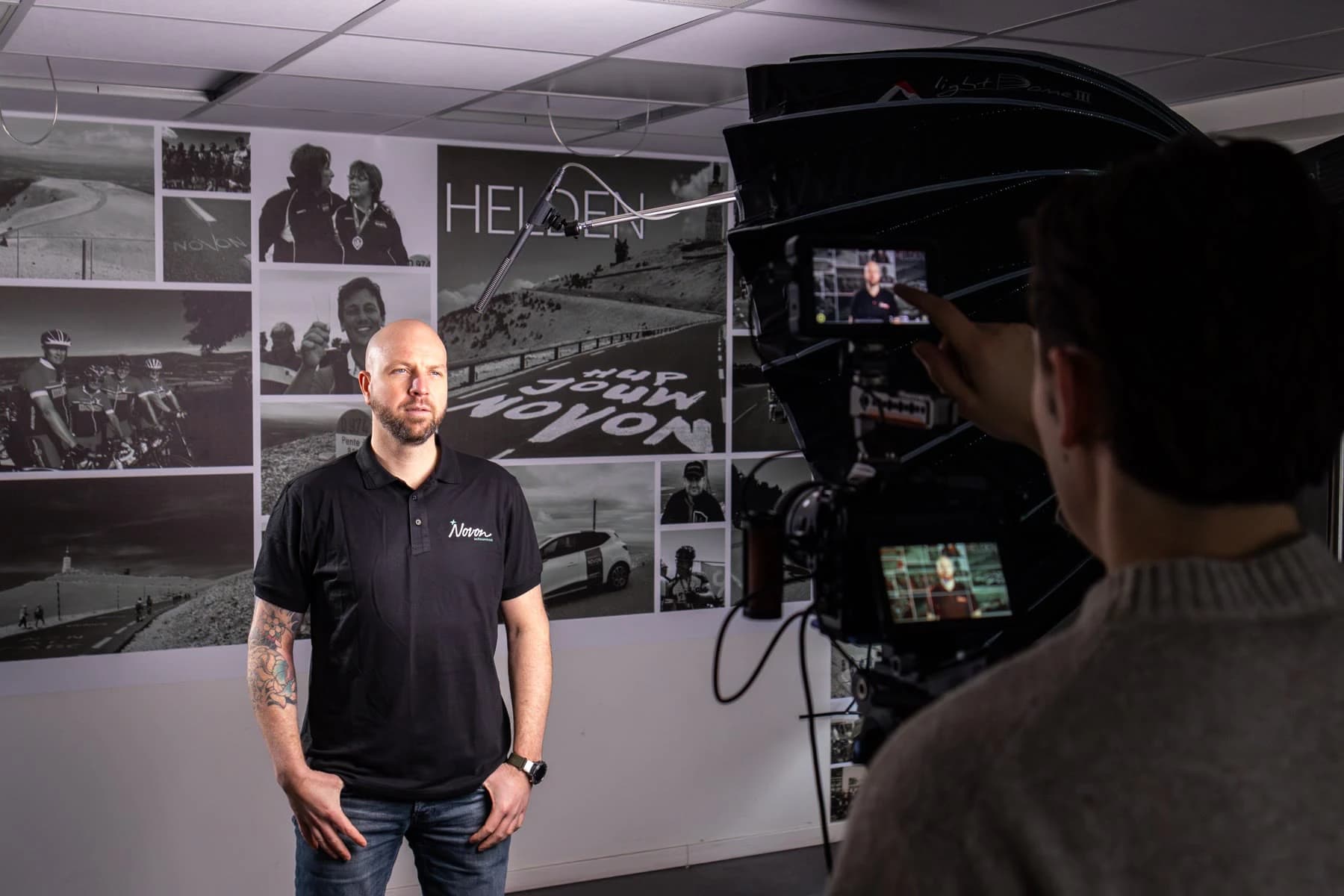
Novon
The set against their own photo wall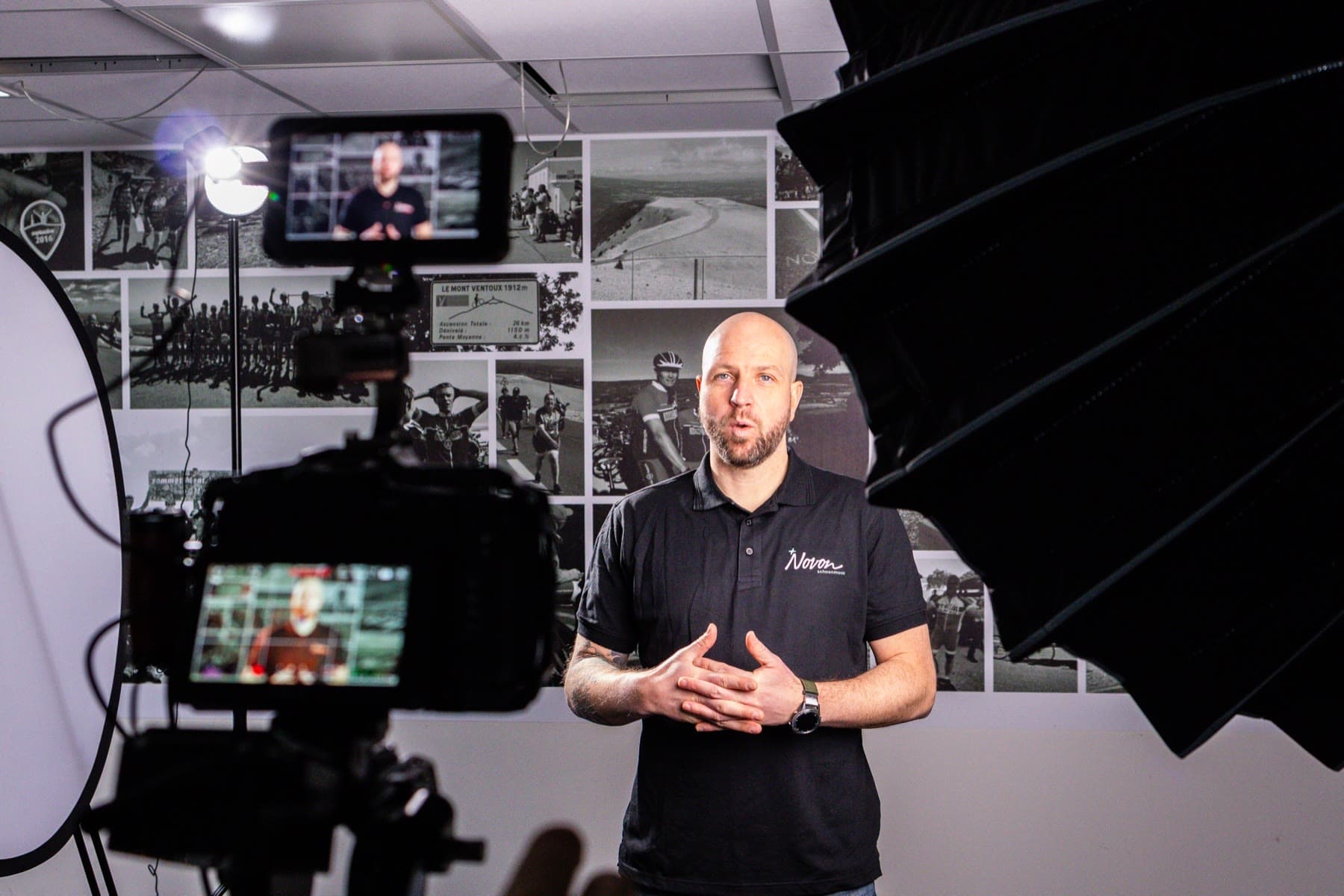
In front of the camera 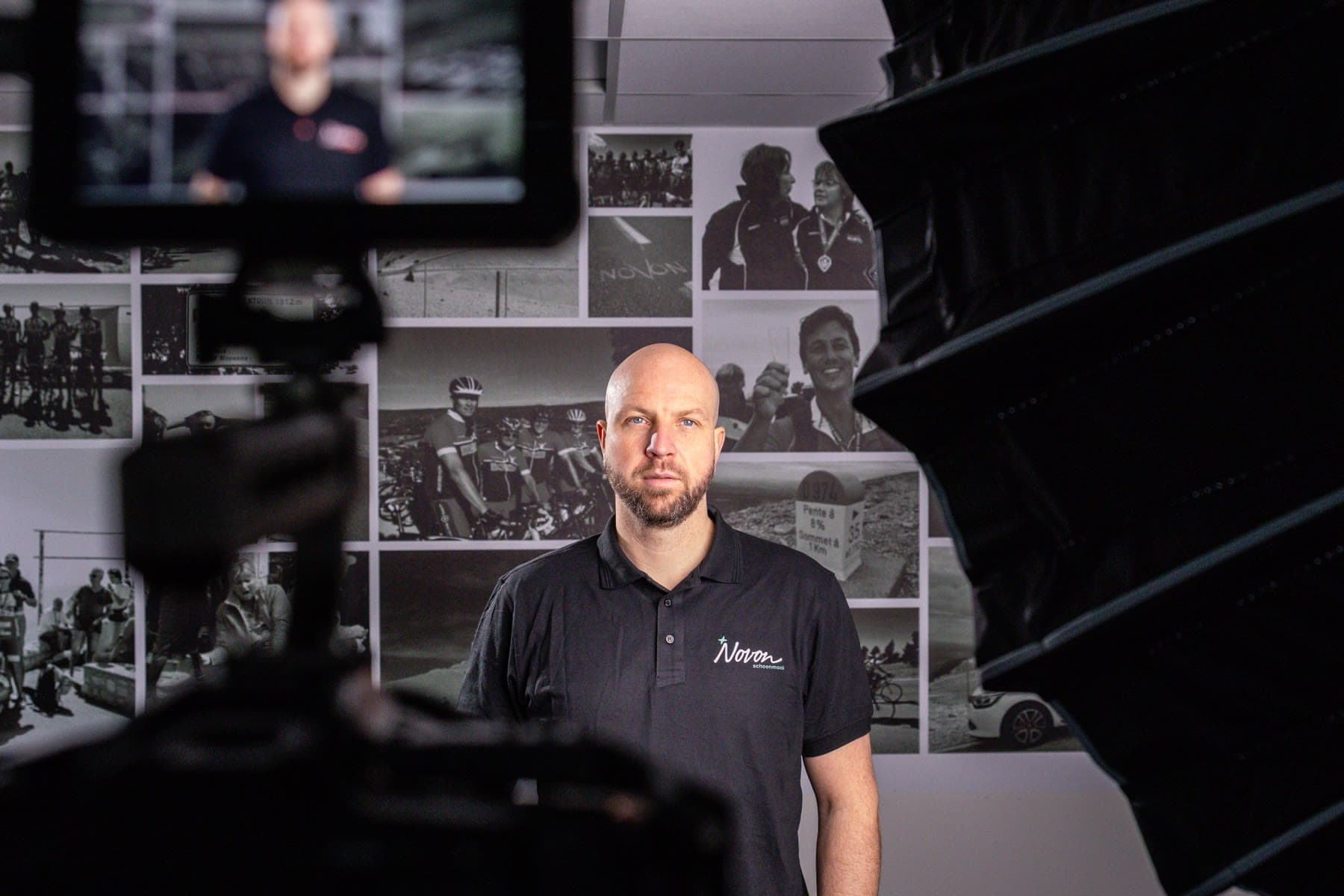
Behind the camera, on the monitor 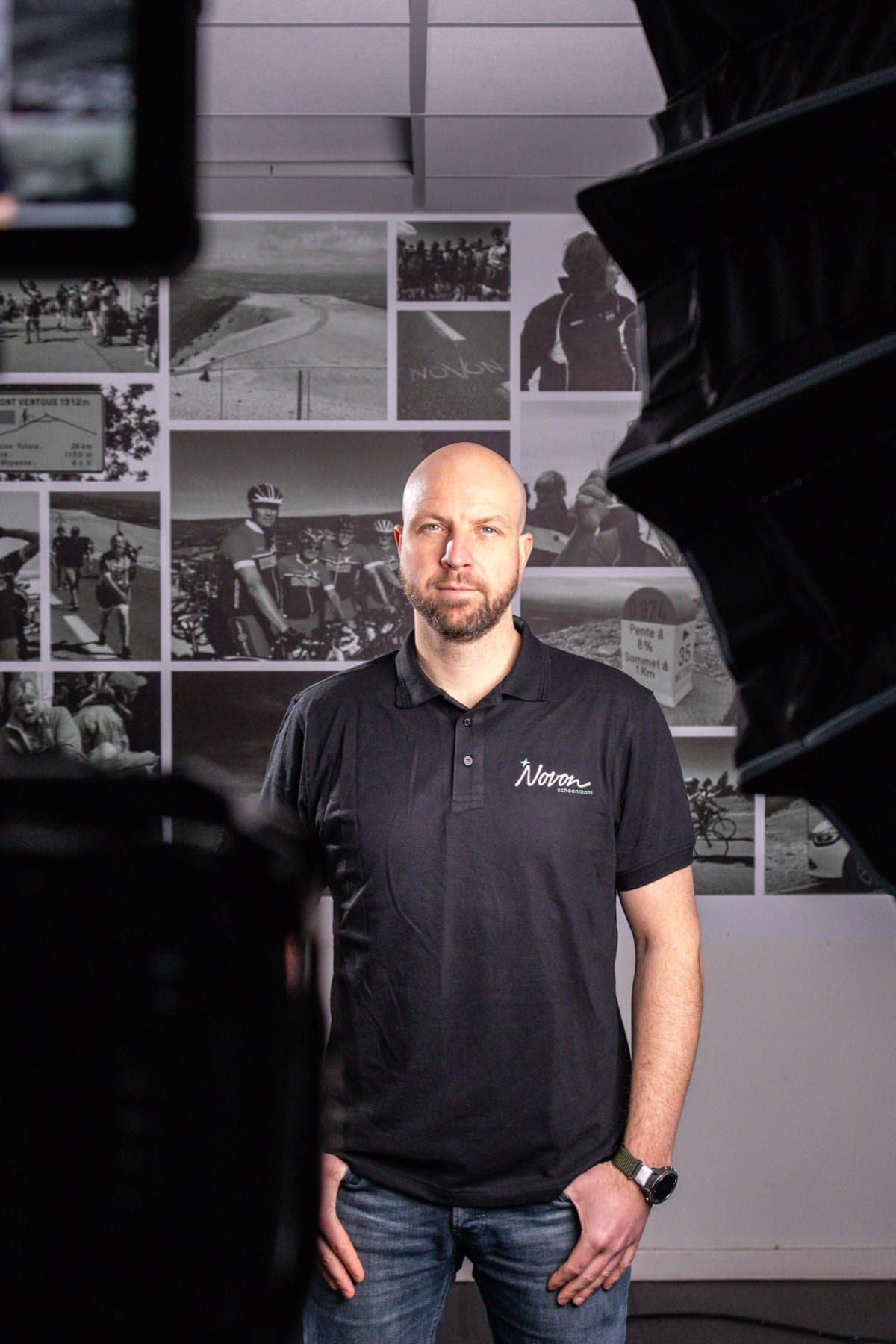
Ready for the next take 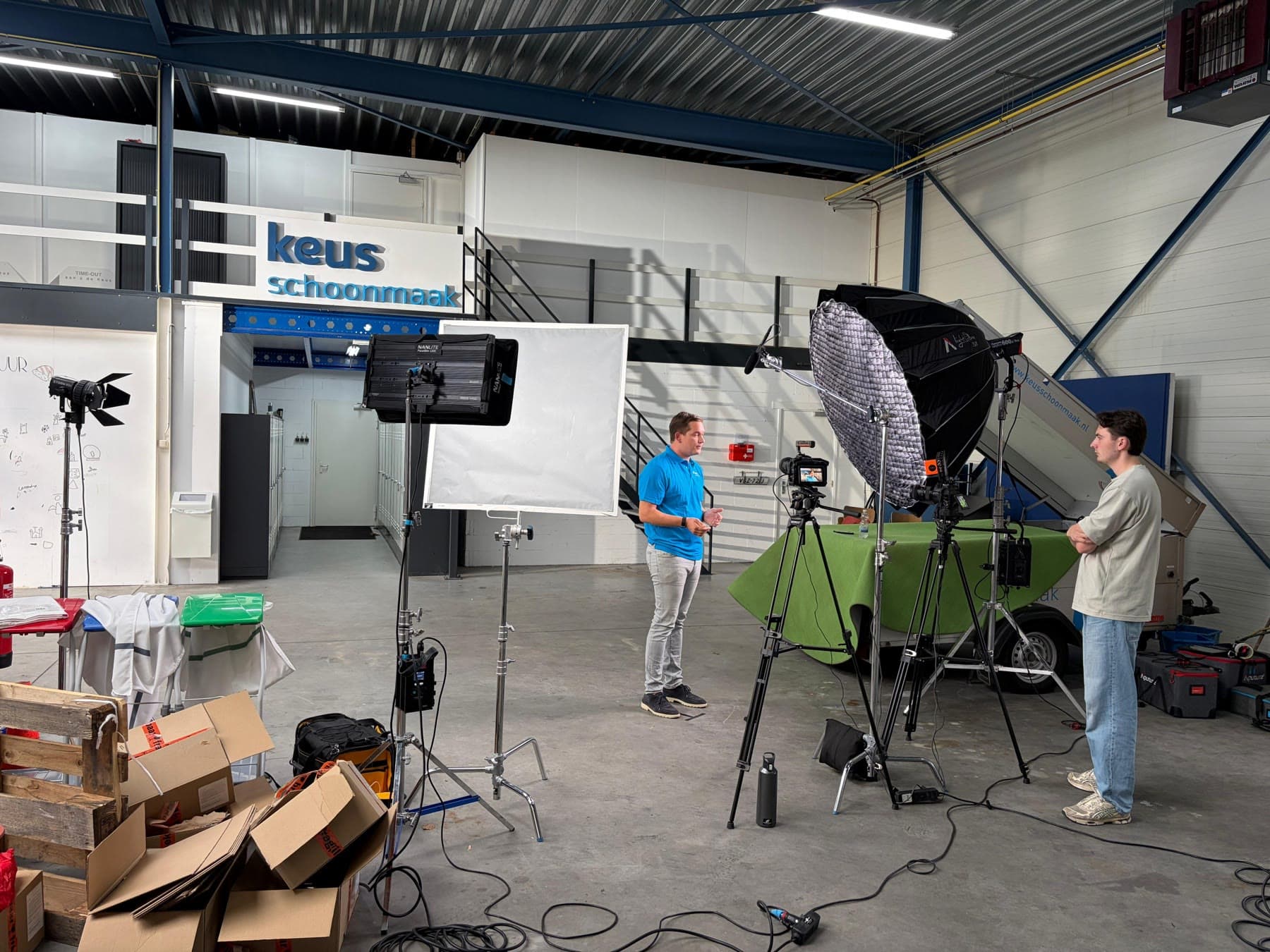
Keus Schoonmaak
The set in their own warehouse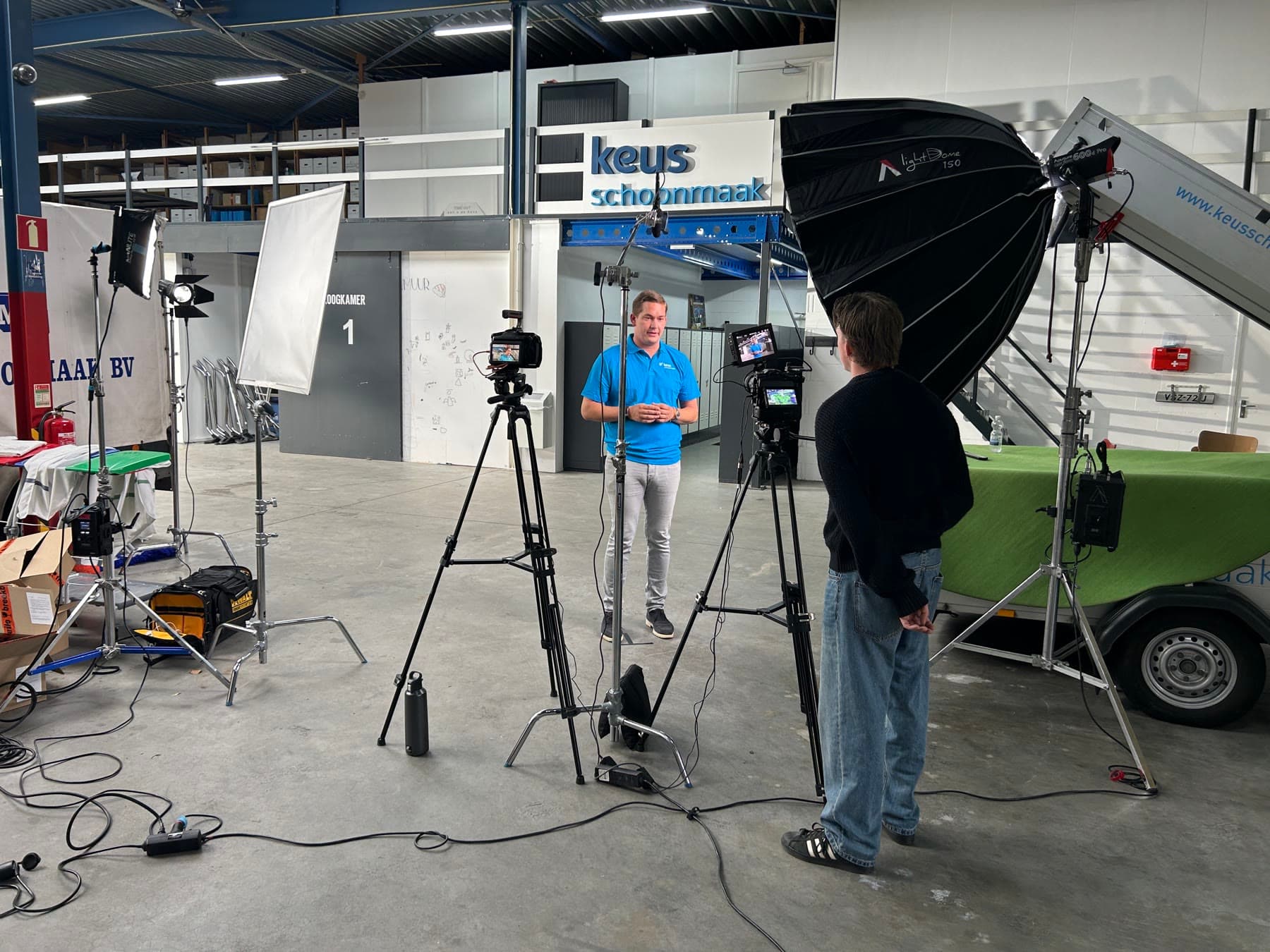
In front of the camera 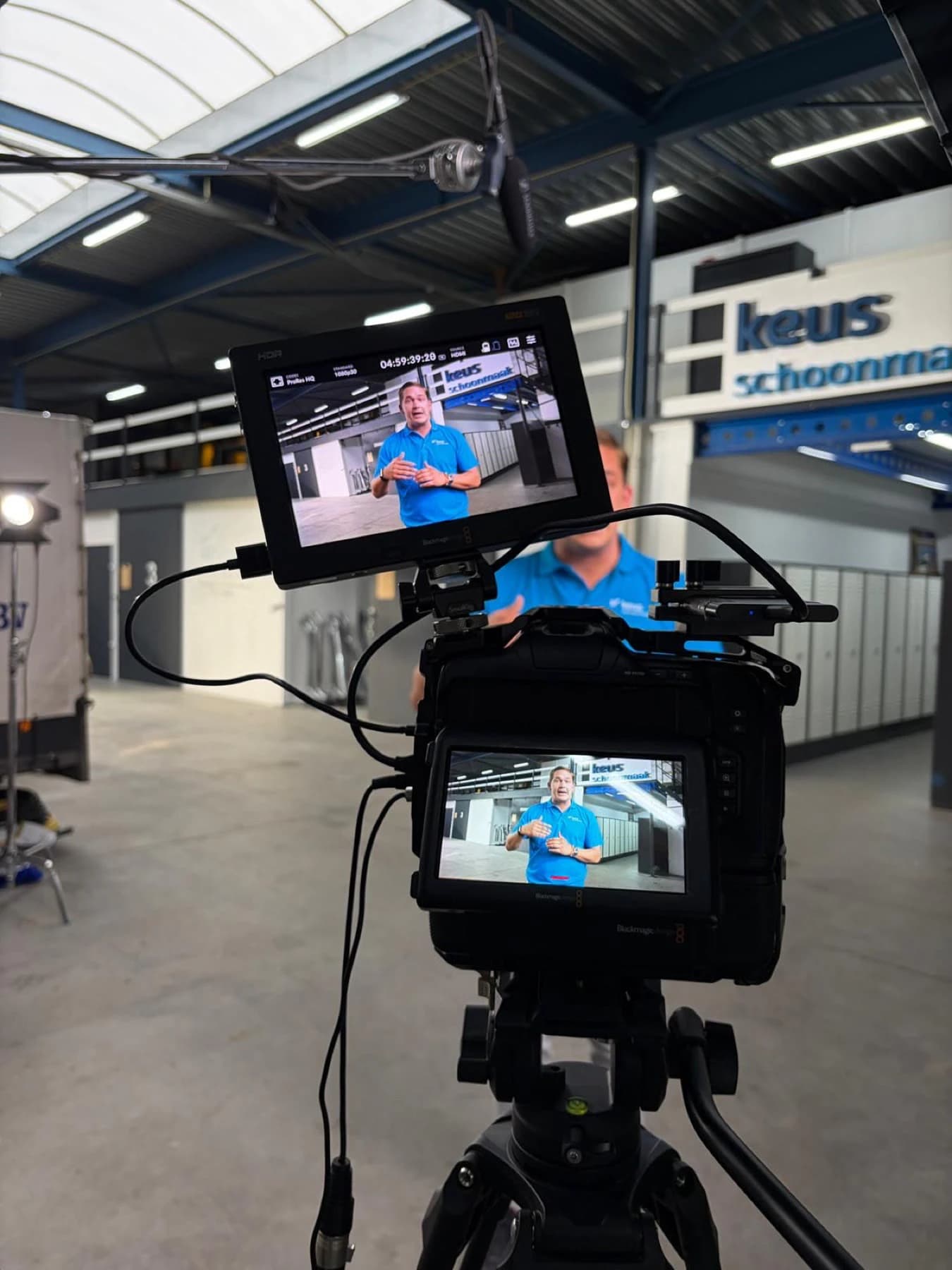
On the monitor 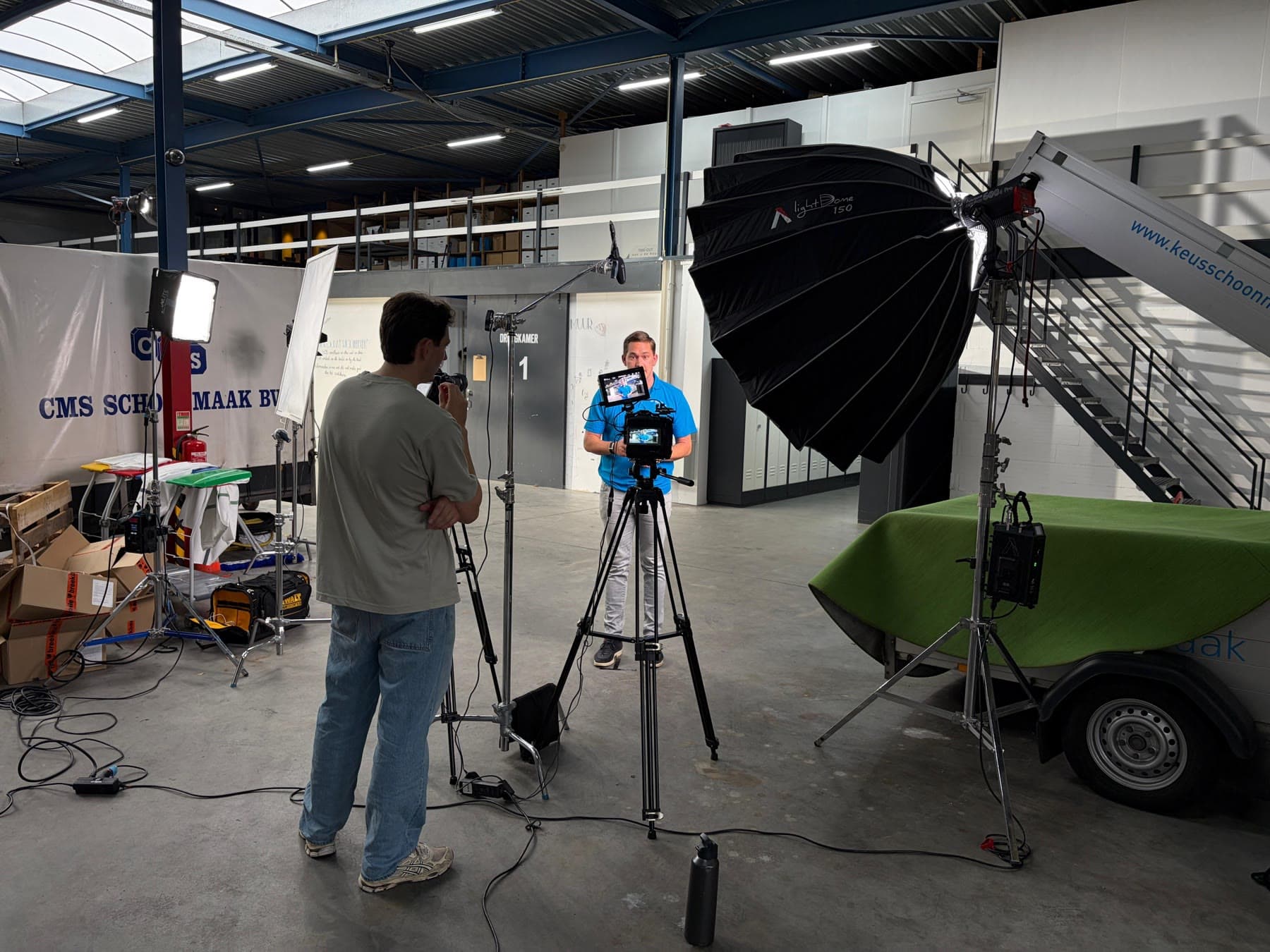
Lighting and sound on set 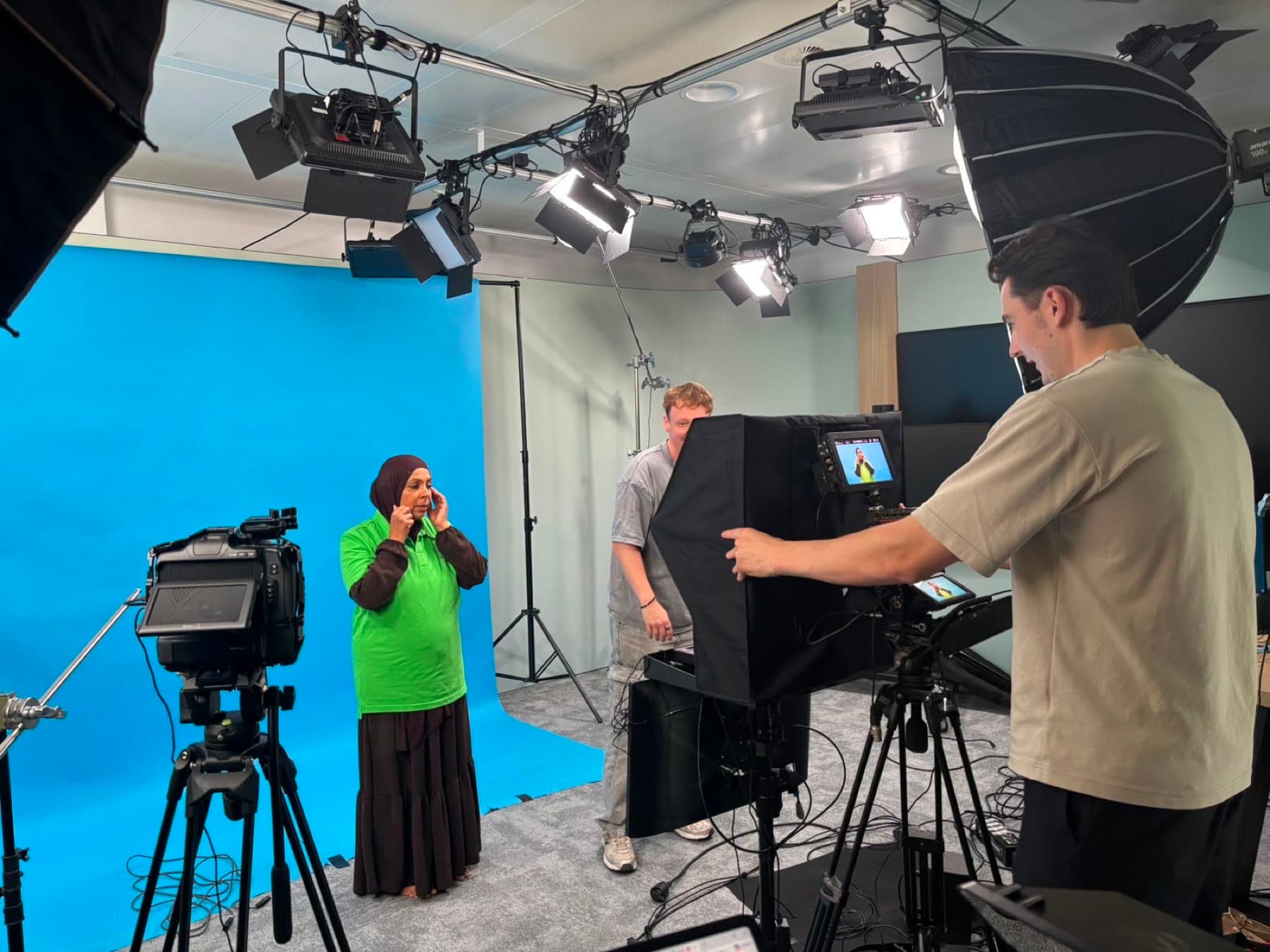
CSU
Recording in front of a blue screen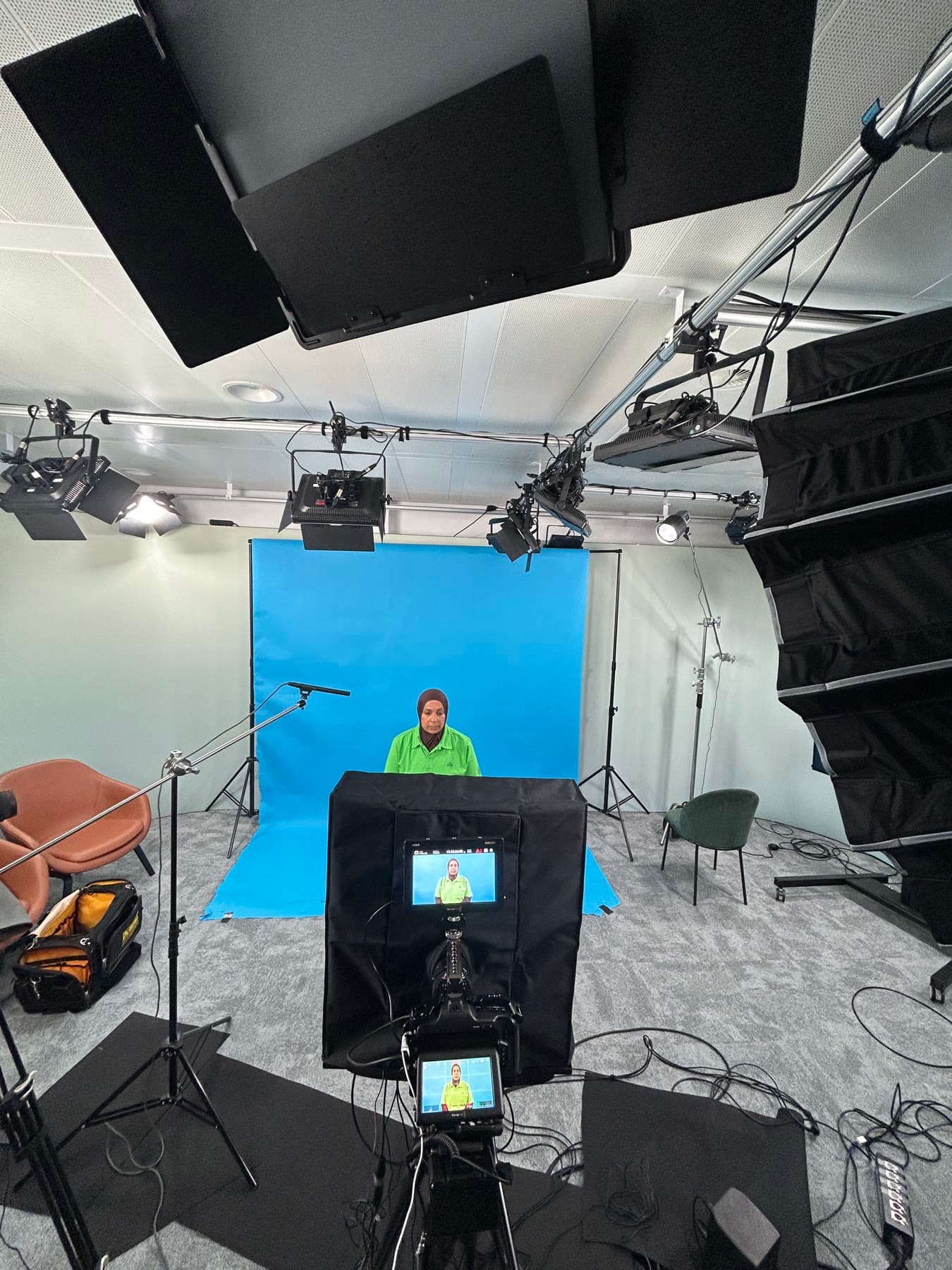
The studio, with the camera on the colleague 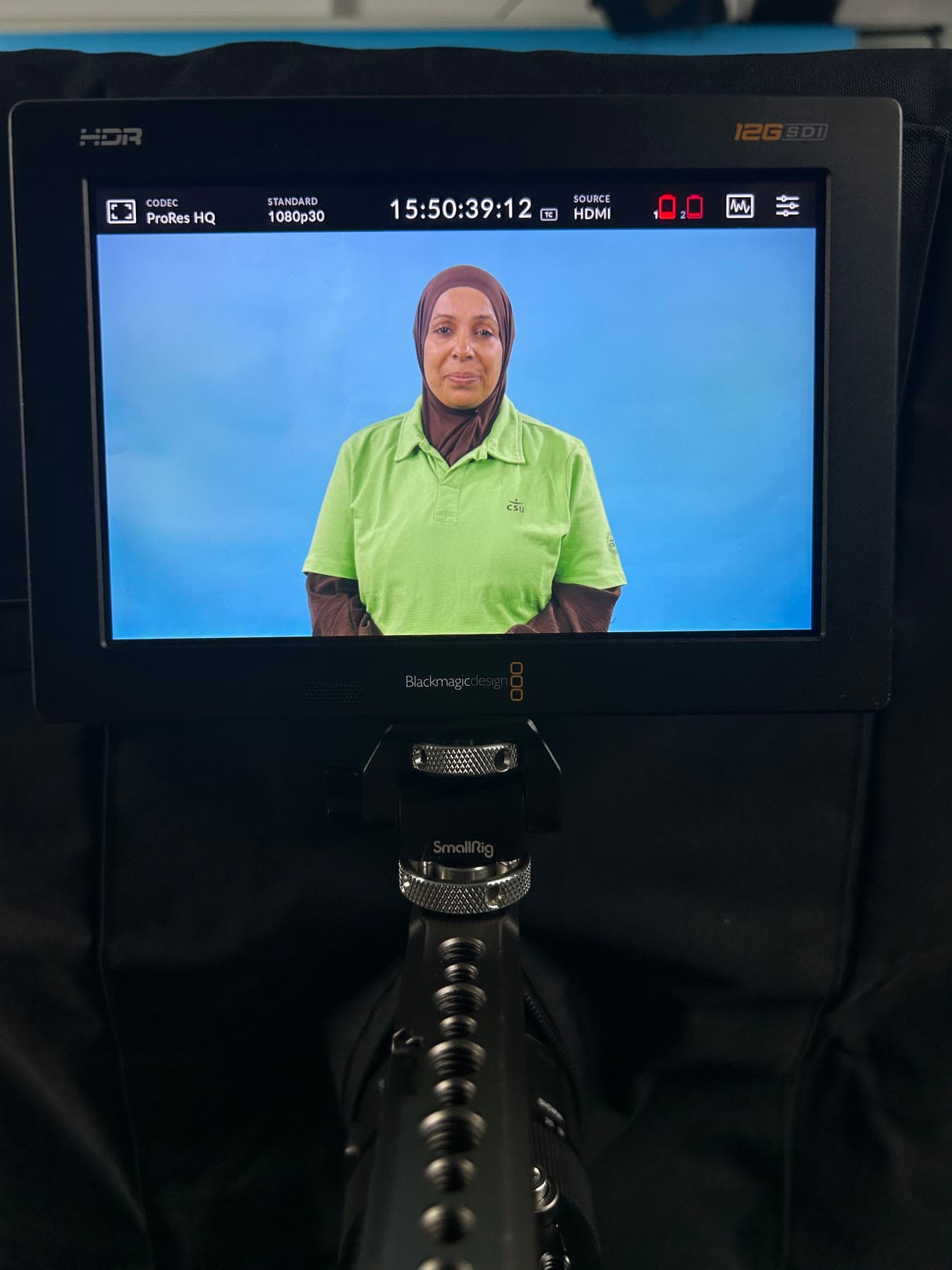
The picture on the monitor 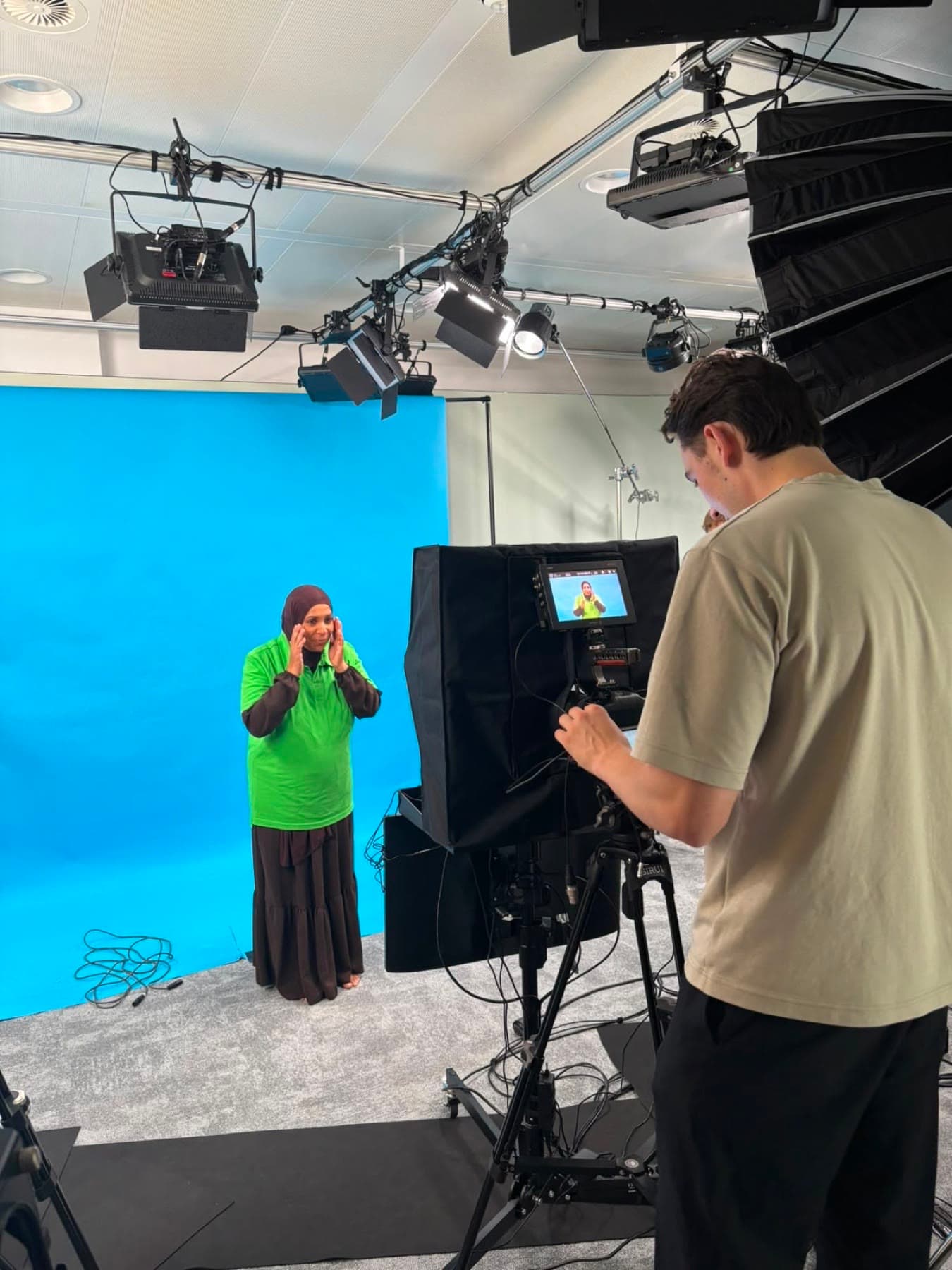
During the recording 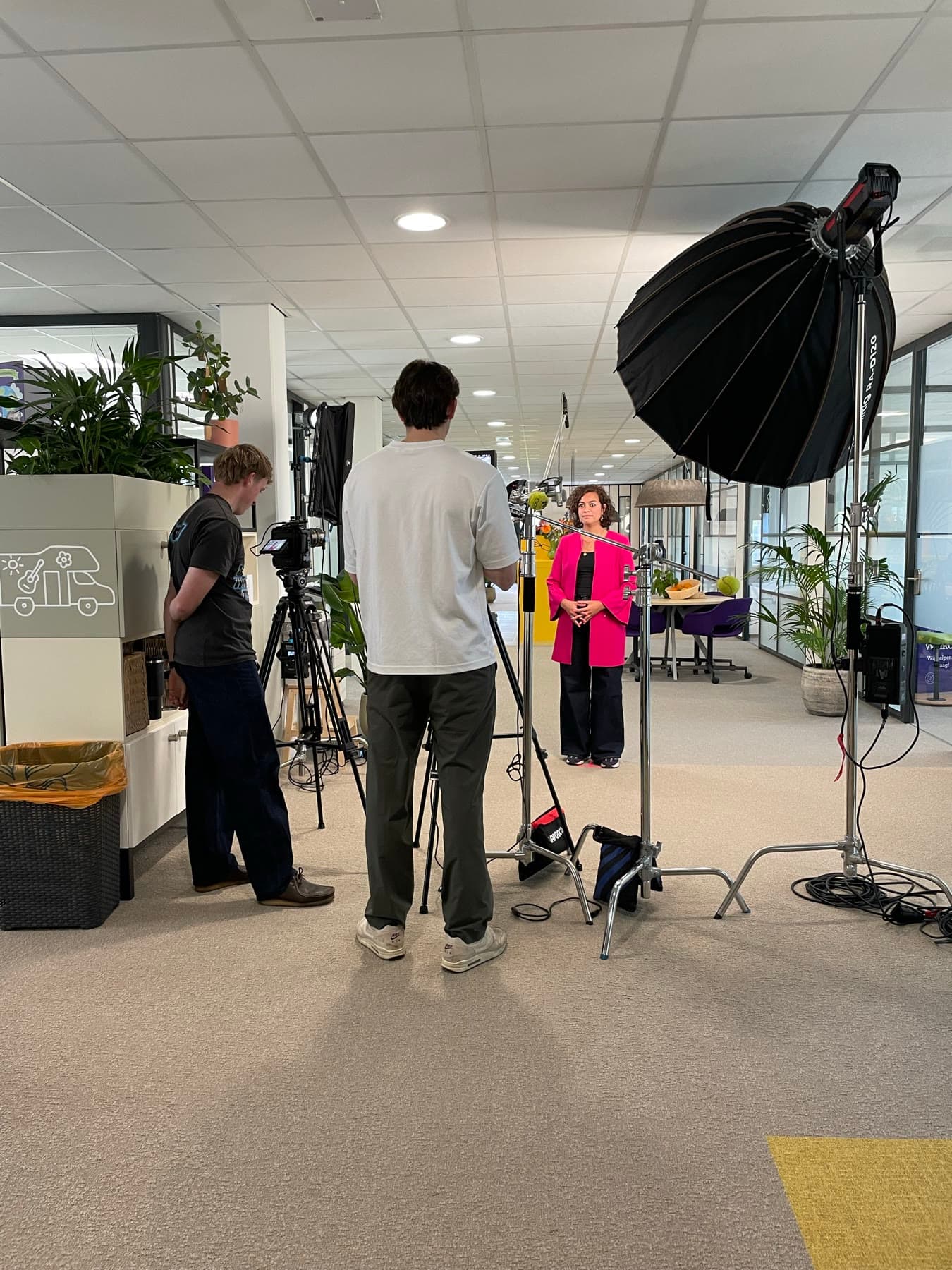
SKSG
The set between the workstations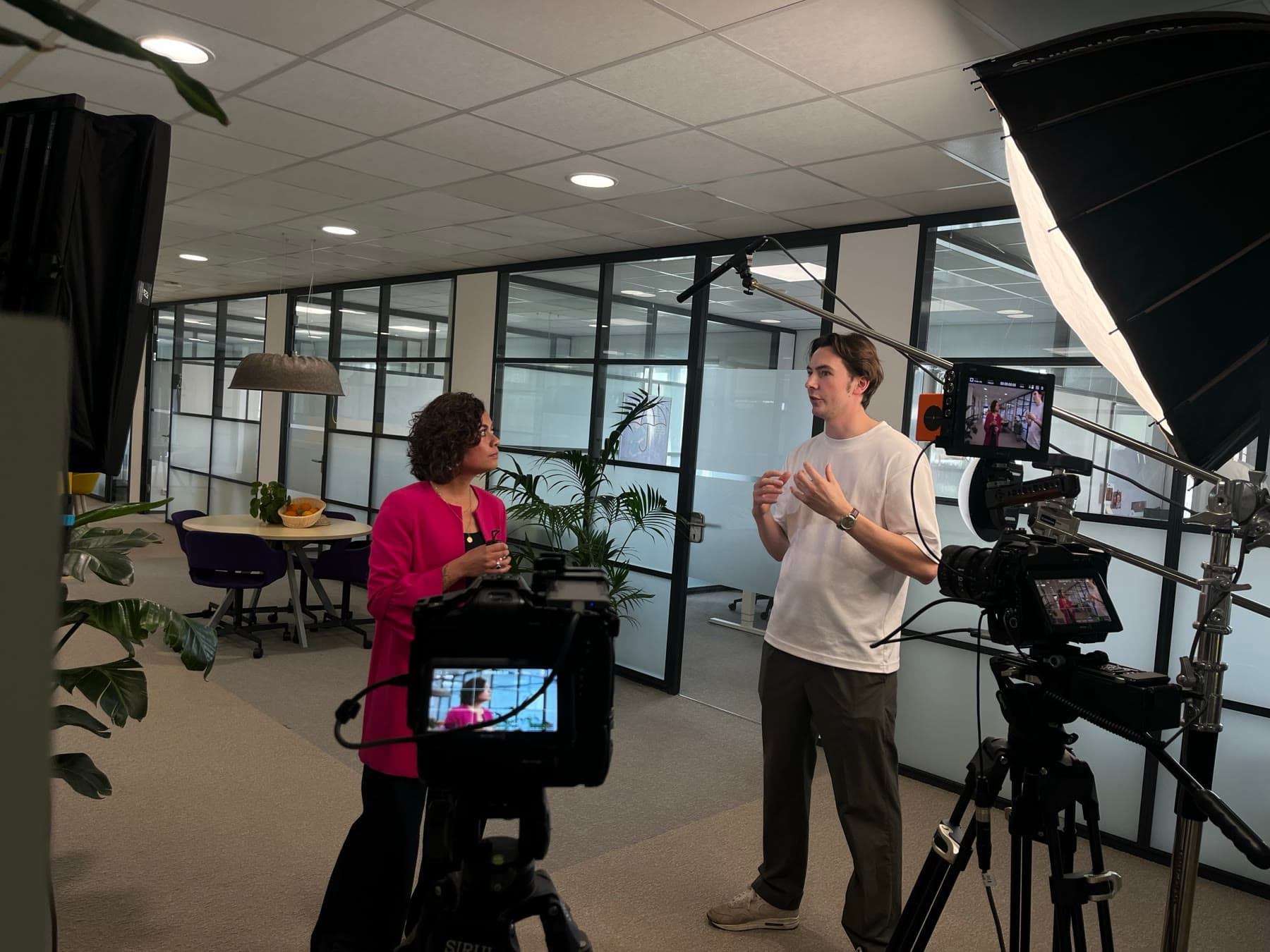
A quick run-through before the take 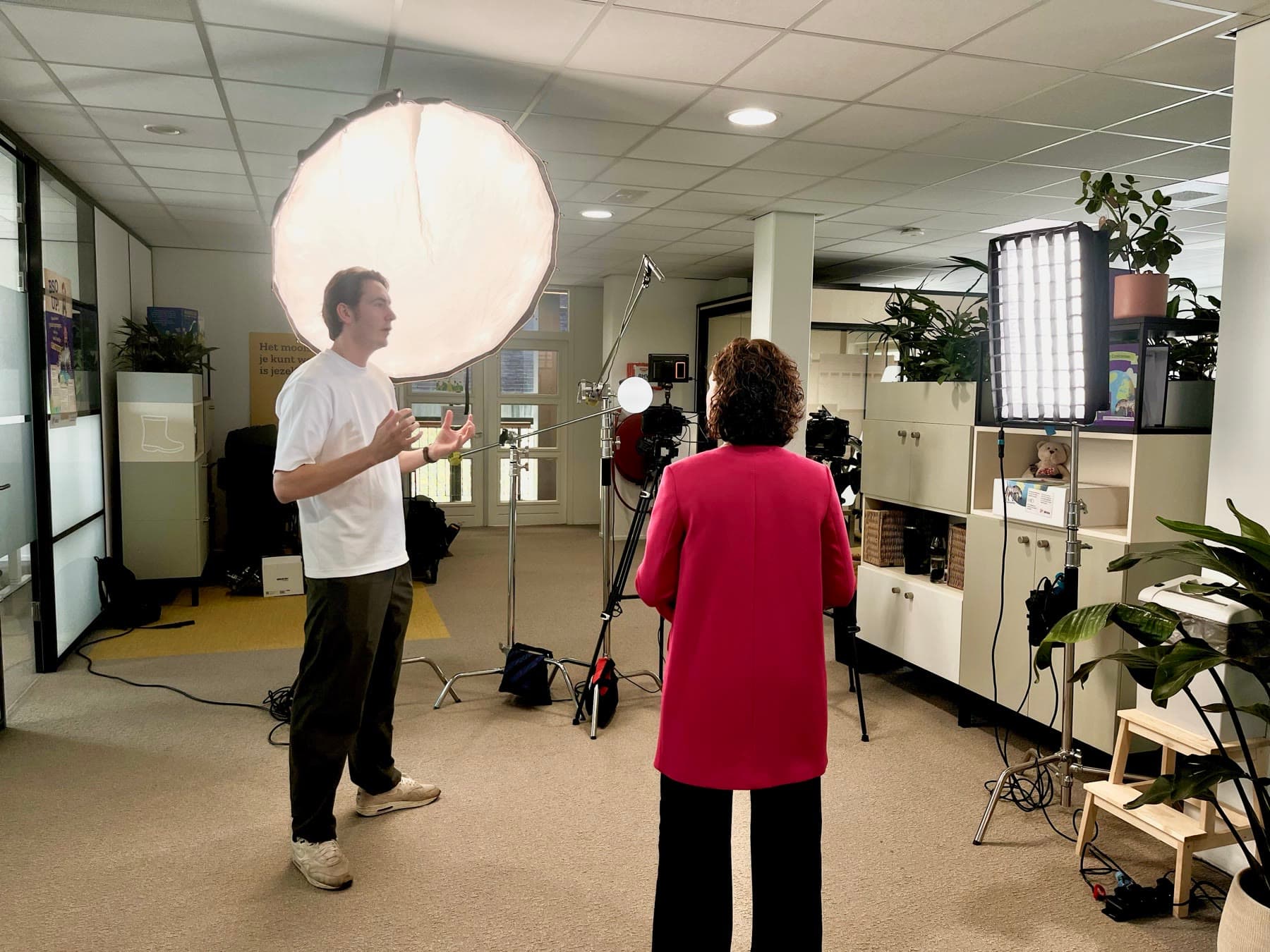
Adjusting the lighting for the recording 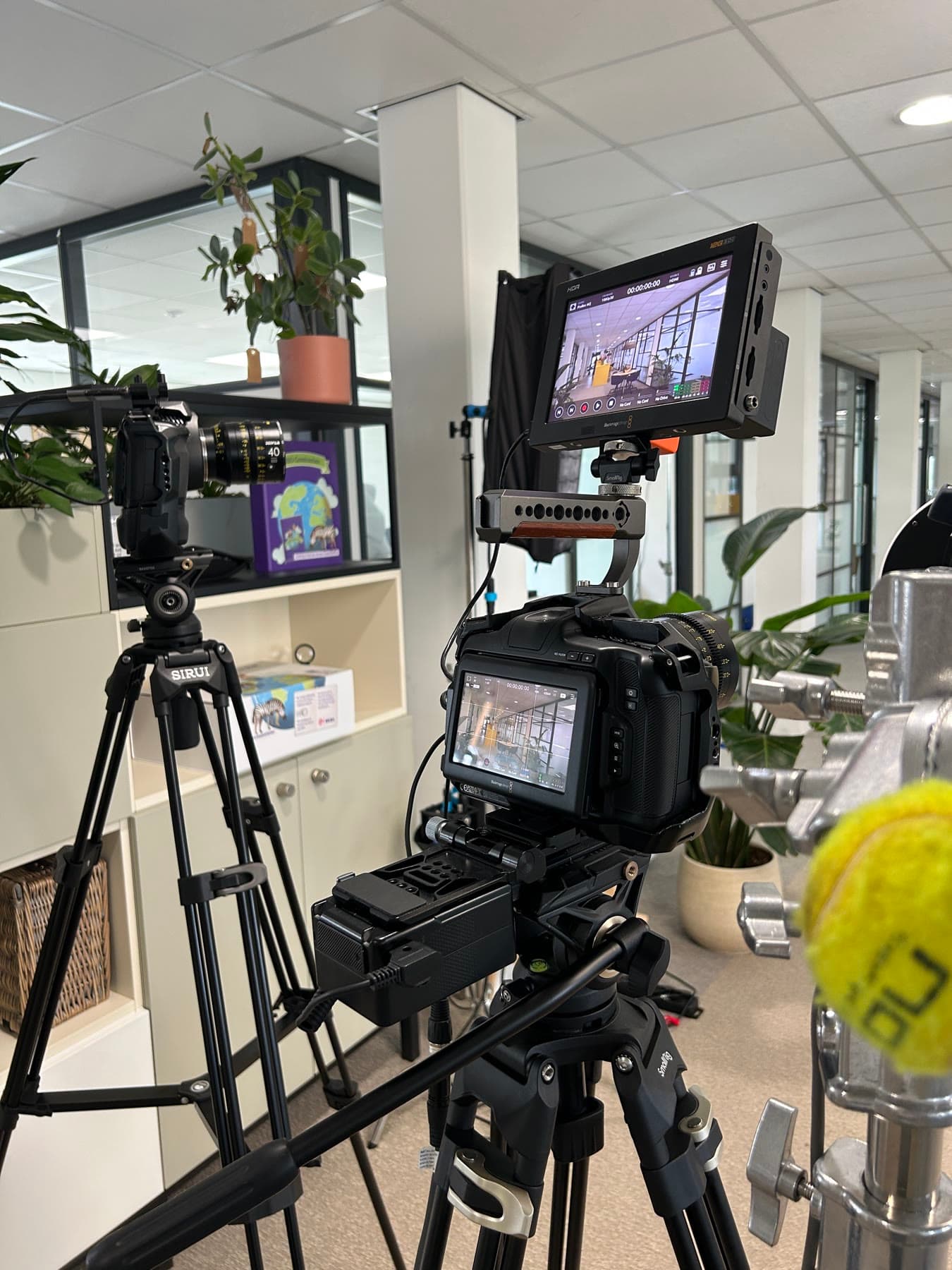
Camera and monitor ready 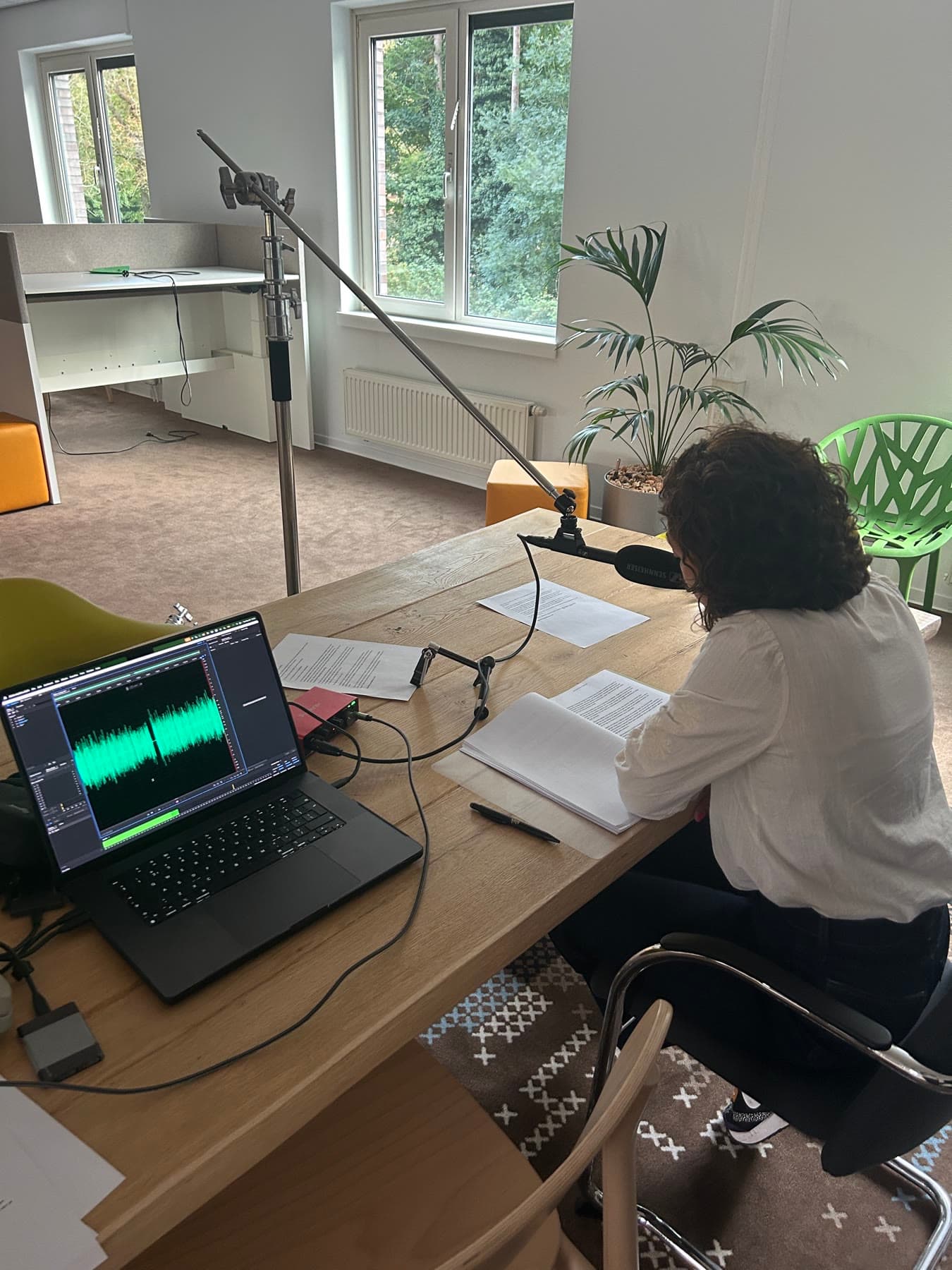
The voice is recorded separately 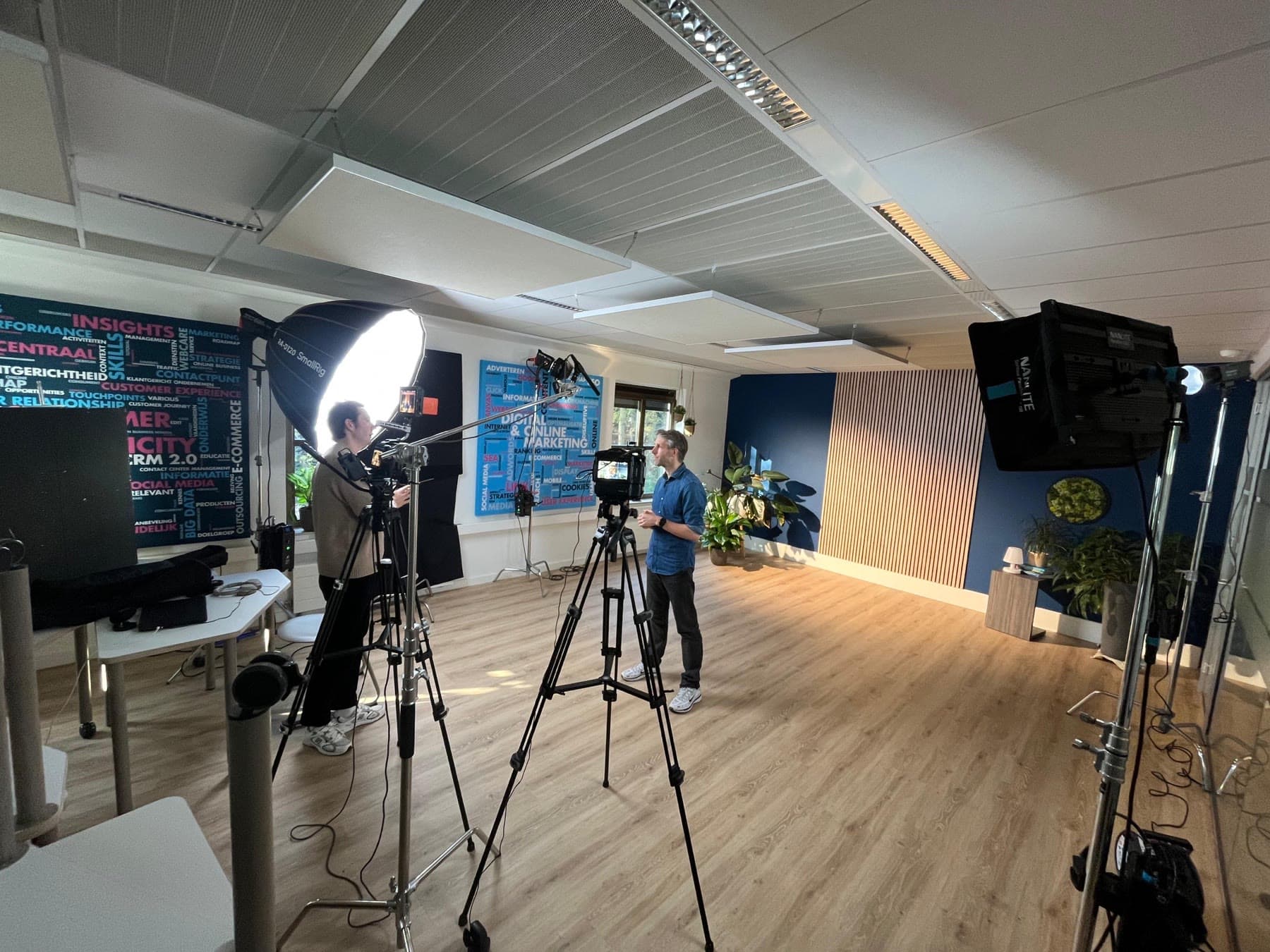
Growth Tribe
The set in their own office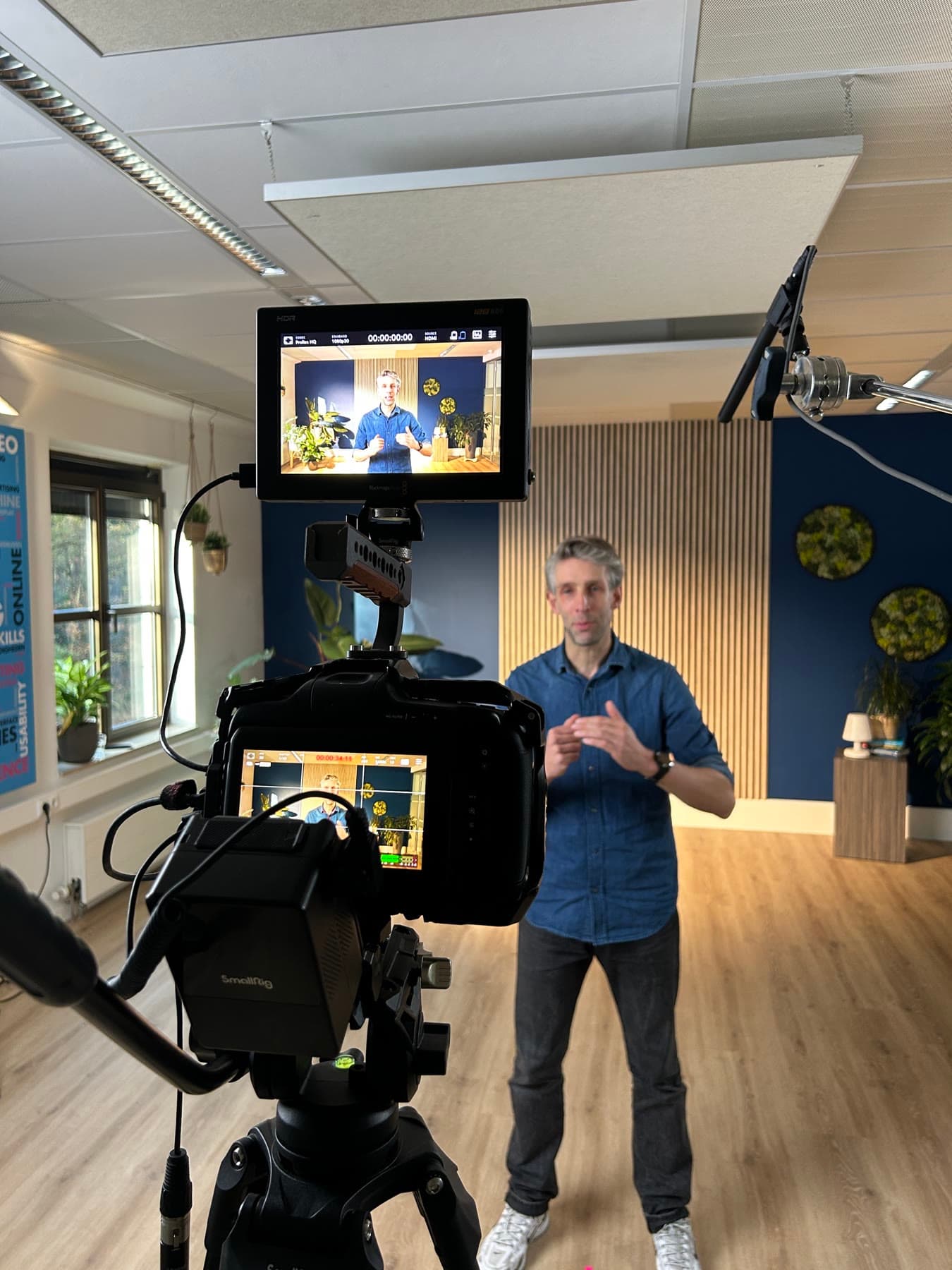
In front of the camera, with the monitor alongside 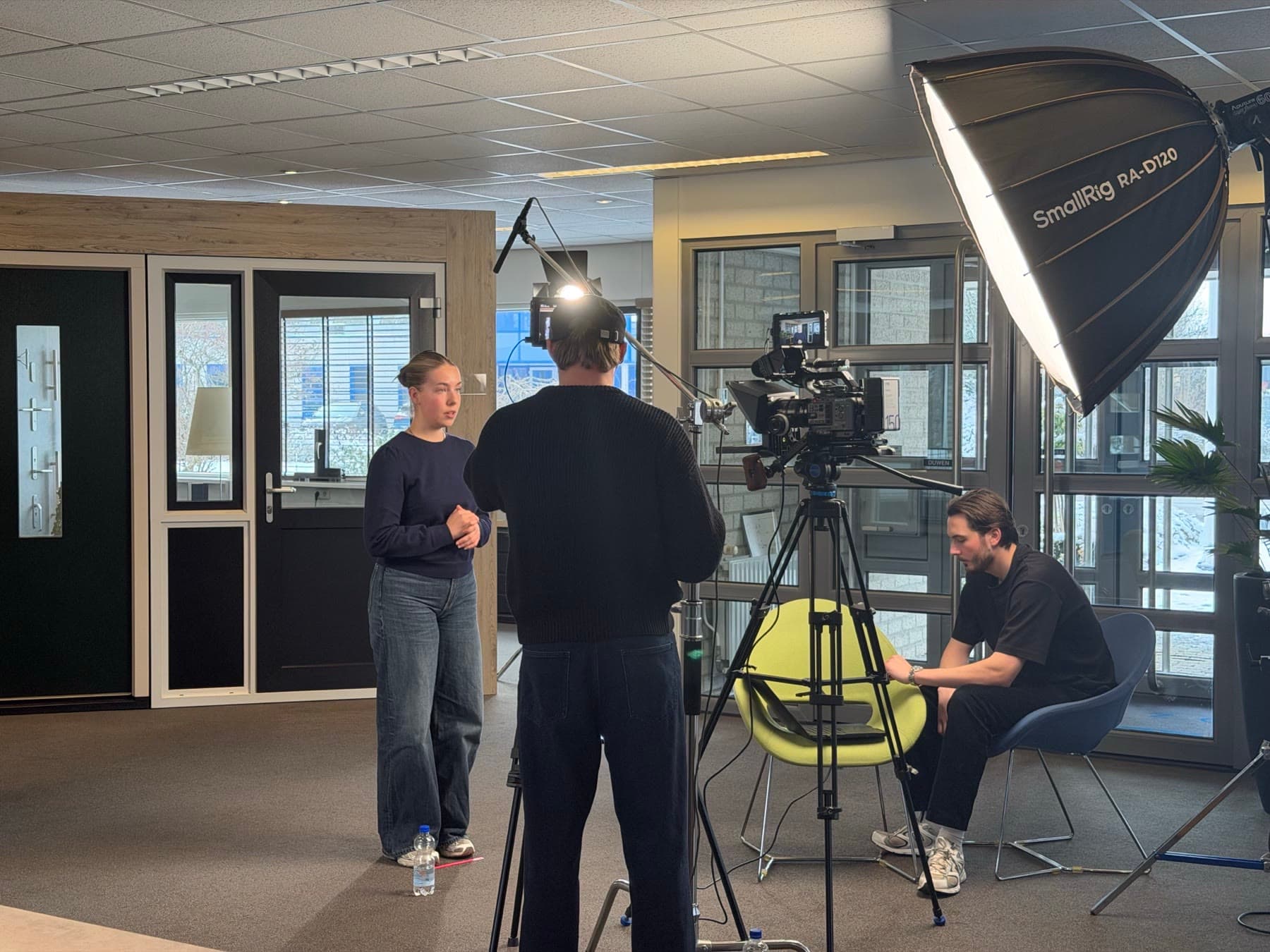
Kumij
The set in the showroom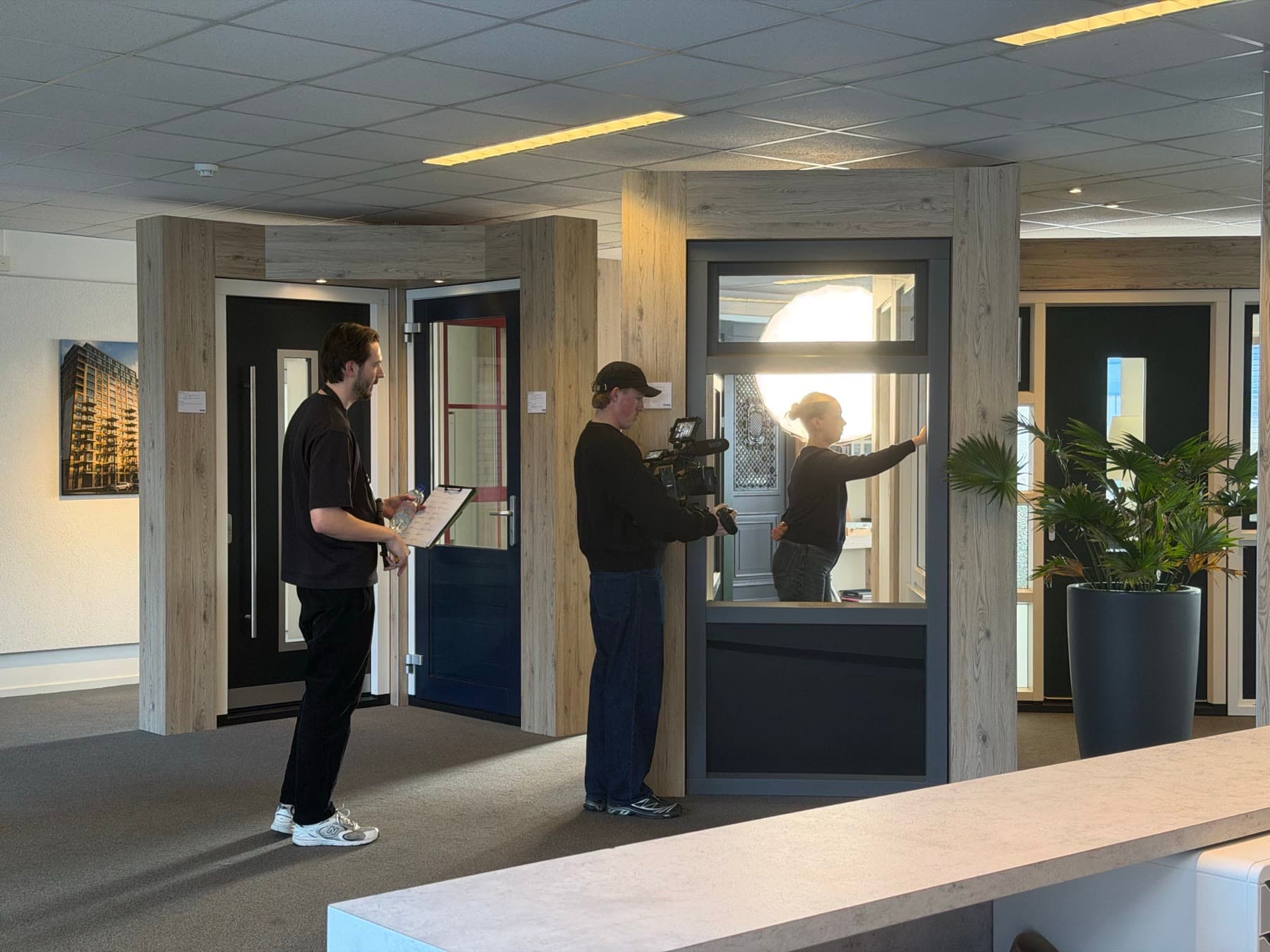
Recording at the window frame the explanation is about 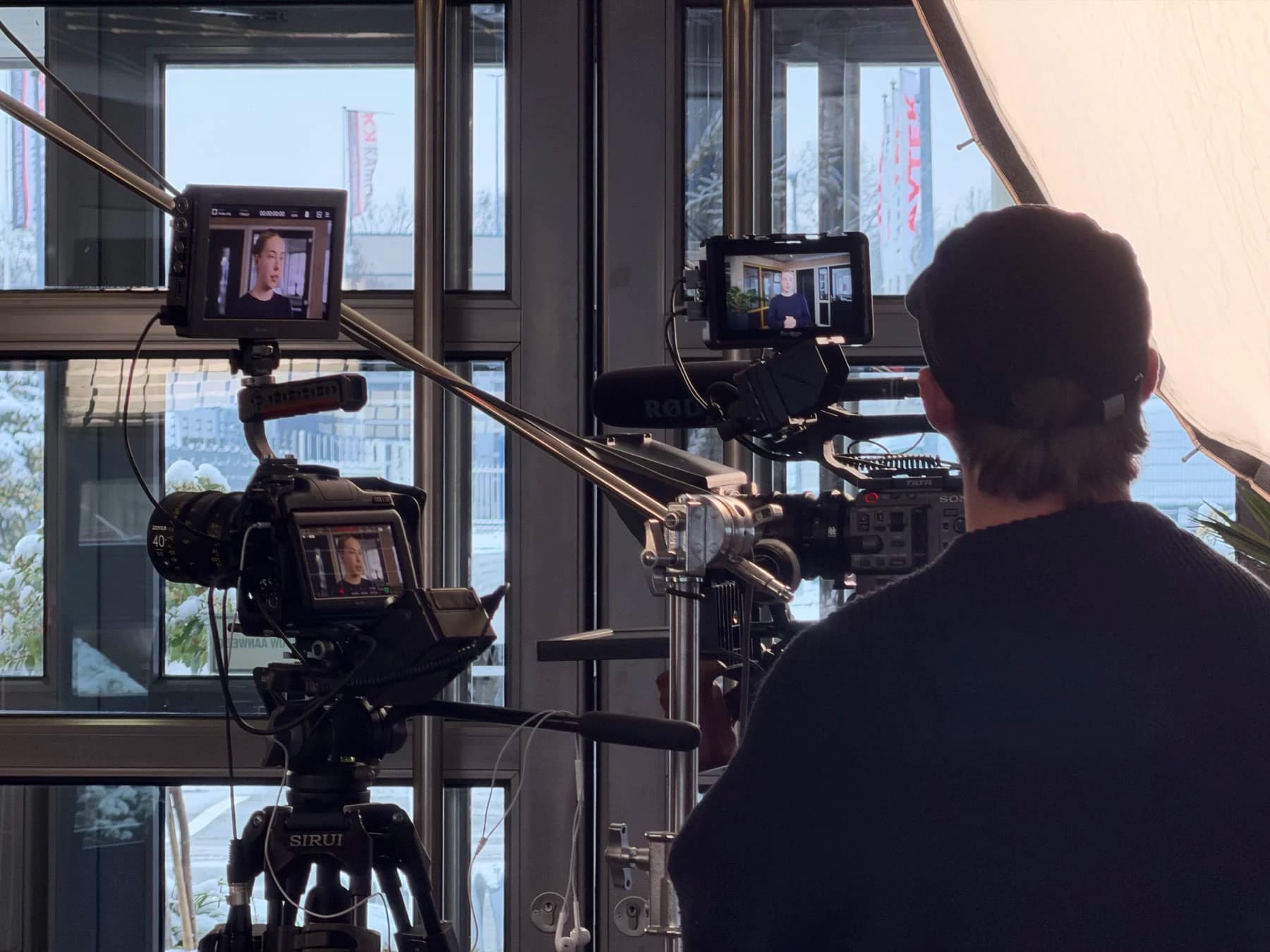
Behind the camera, with the picture on the monitors 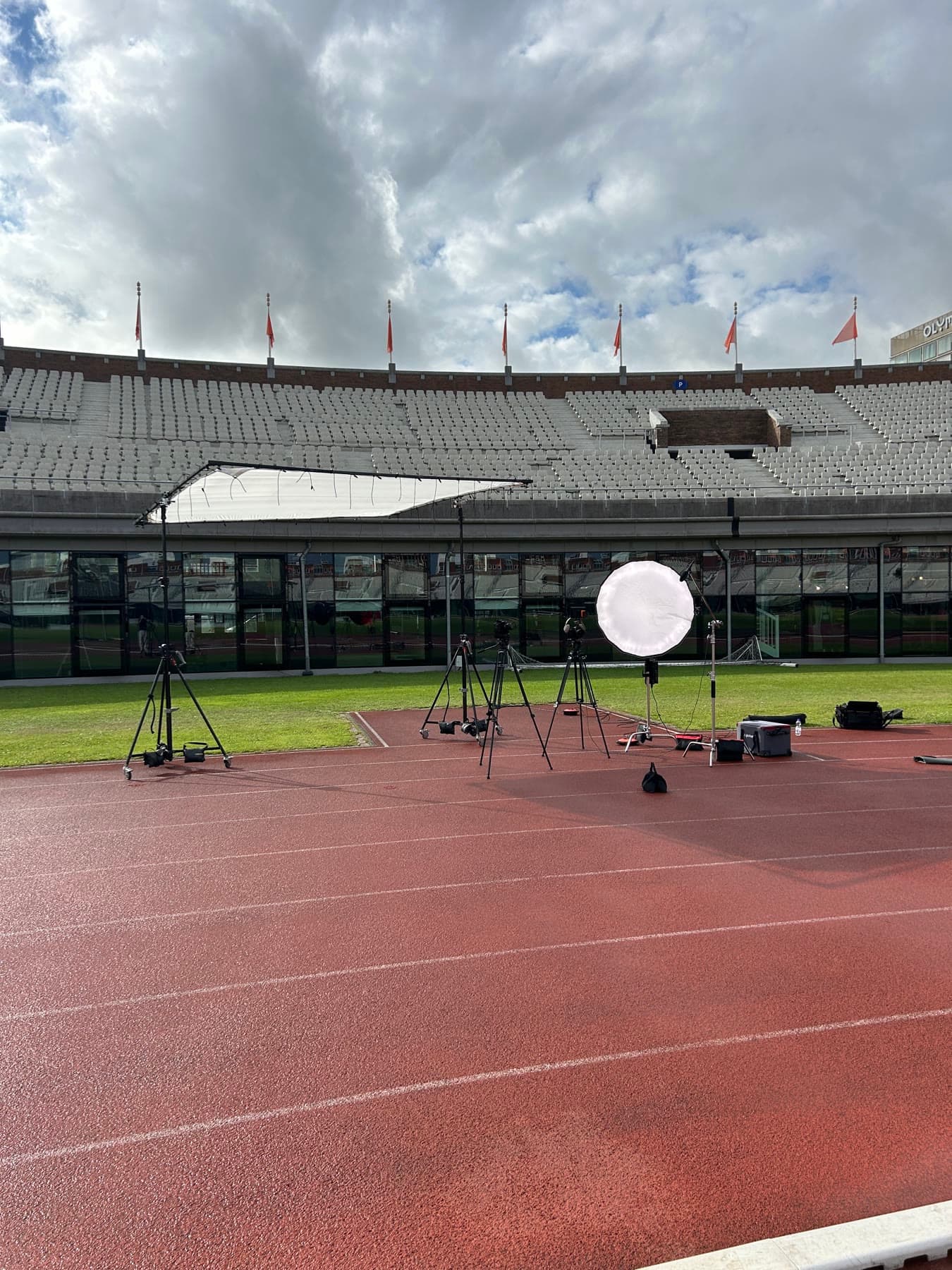
Sportslink
The set in the Olympic Stadium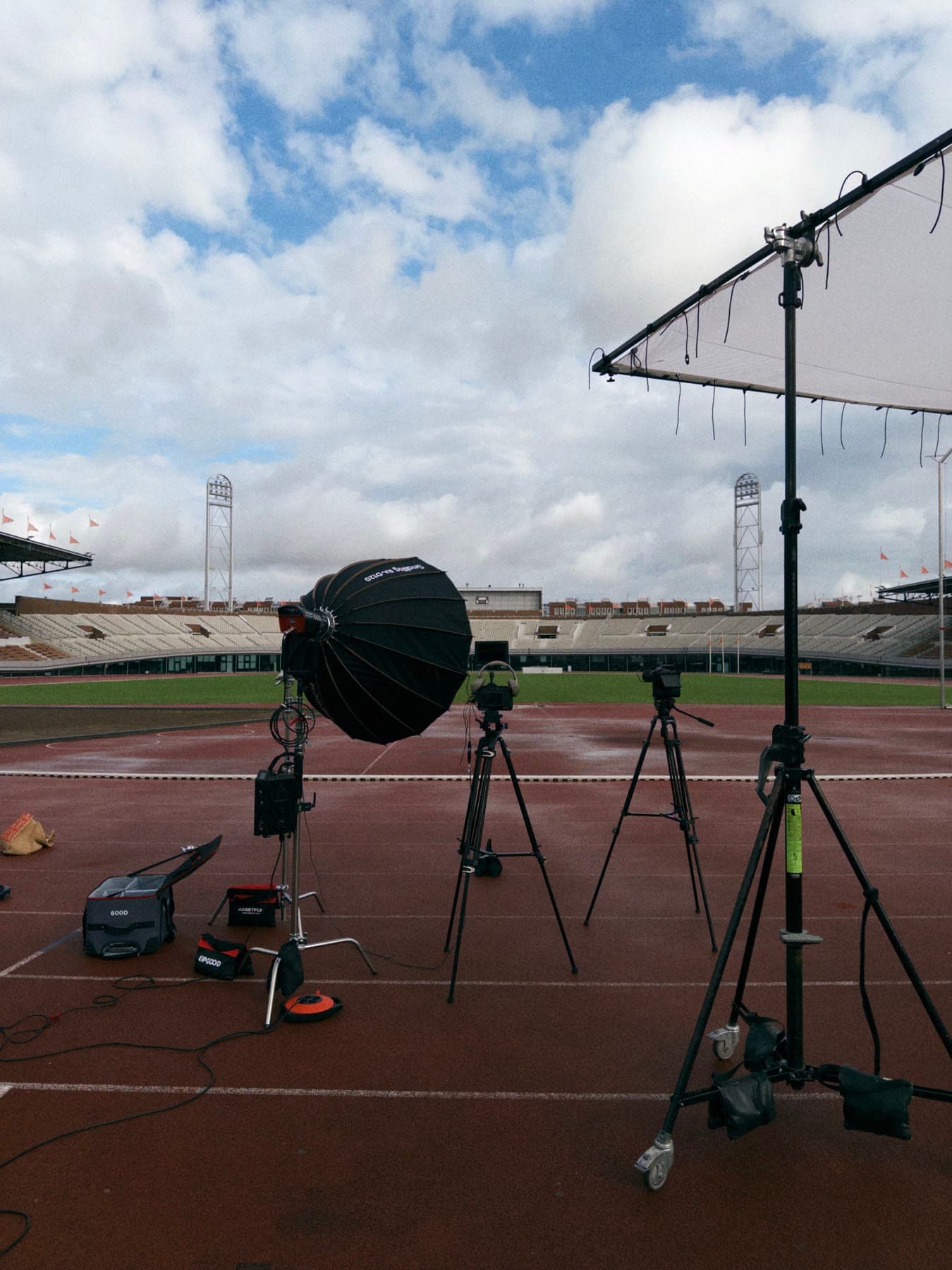
Setting up on the athletics track
Start with a demo
In half an hour we look at your situation and choose the first project together.
We discuss your situation and show you live how it would work for you. 30 minutes, no obligation.