The platform
From text to proof that it was understood
You type in your own language, and the rest happens in one place: creating, translating, sharing and testing. Employees only need a link, no account or app.
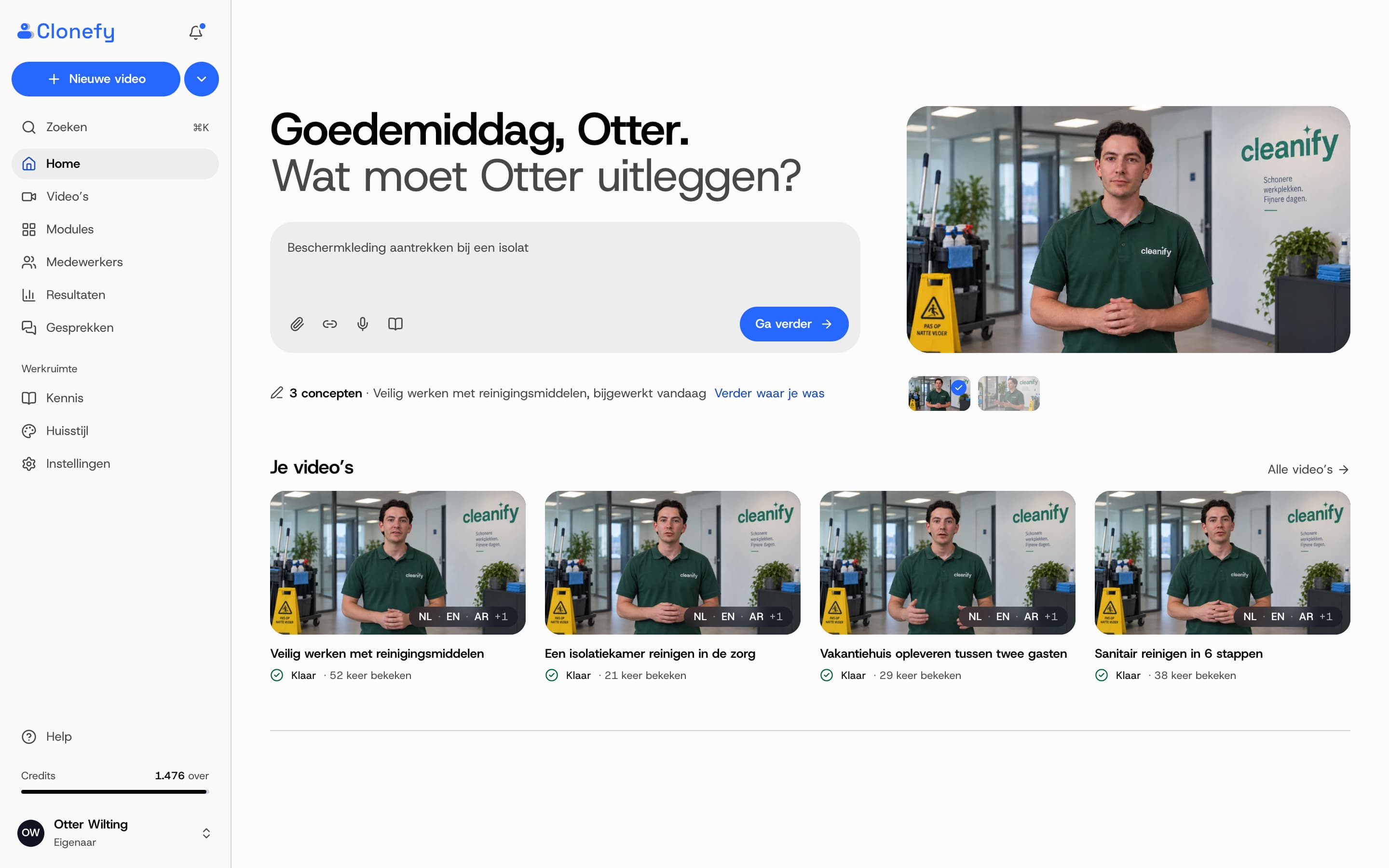
Images made with AI
New video
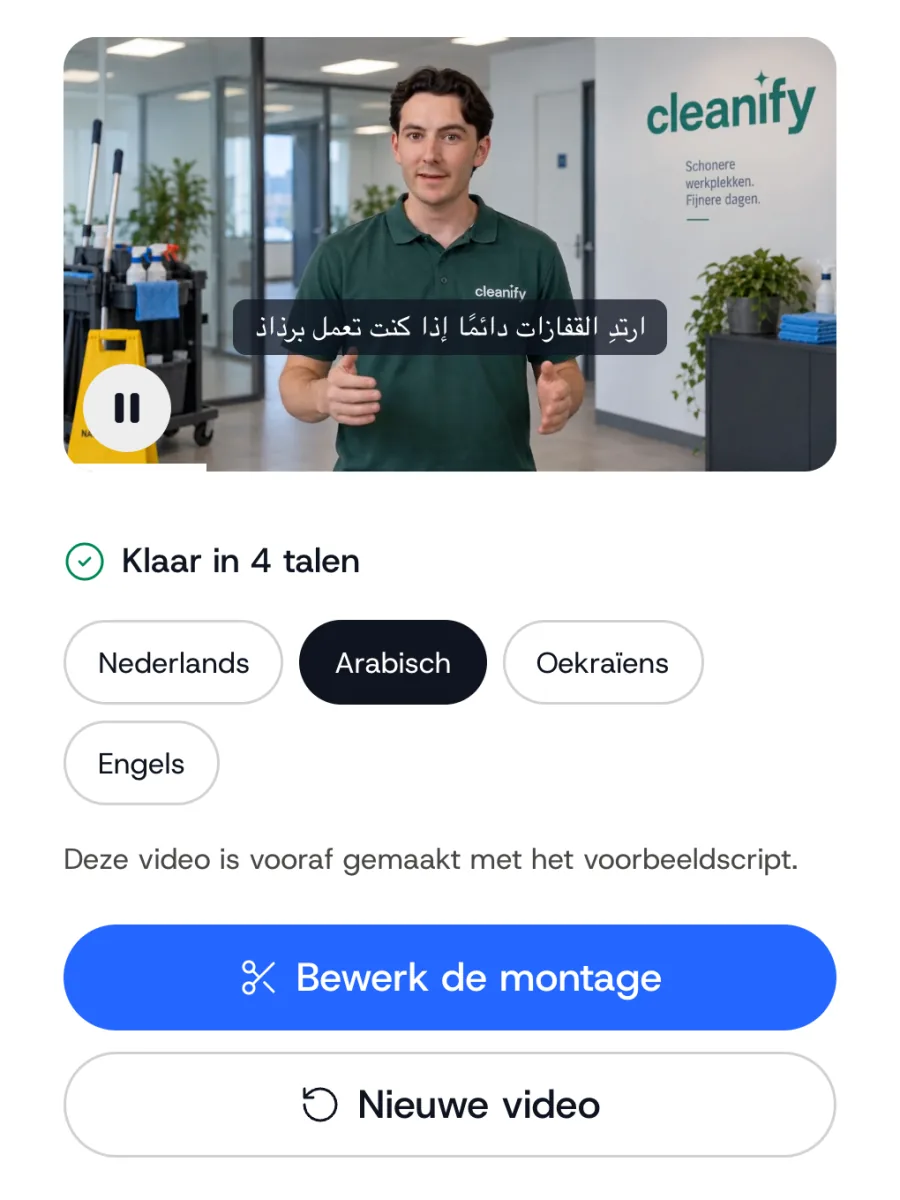
You paste an instruction, the clone explains it.
Paste a work instruction or an idea and choose the clone. The editor adds bullet points, visuals and an intro, and after 10 to 15 minutes the video is ready.
- Scripts from your own documents
- Tick the languages, subtitles come along
- See in advance how many minutes a video takes
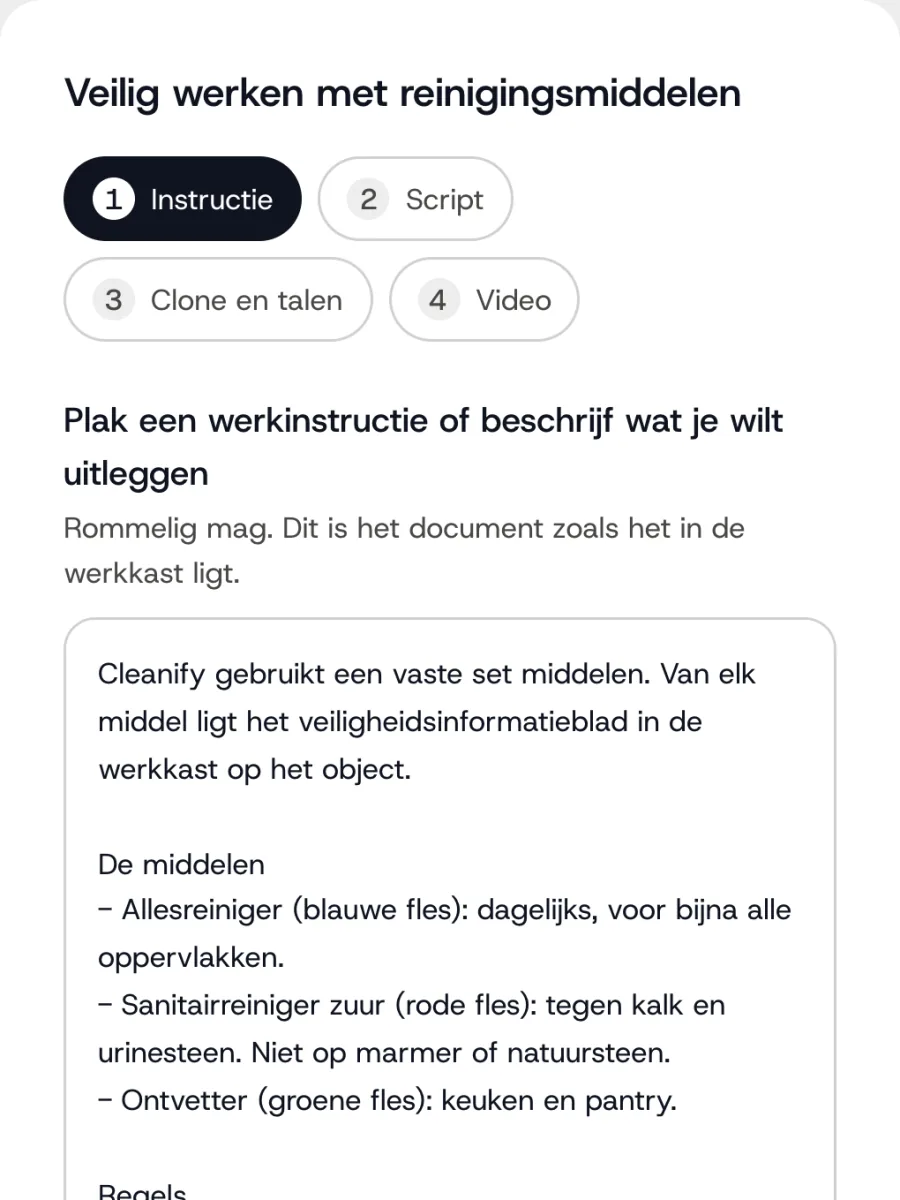
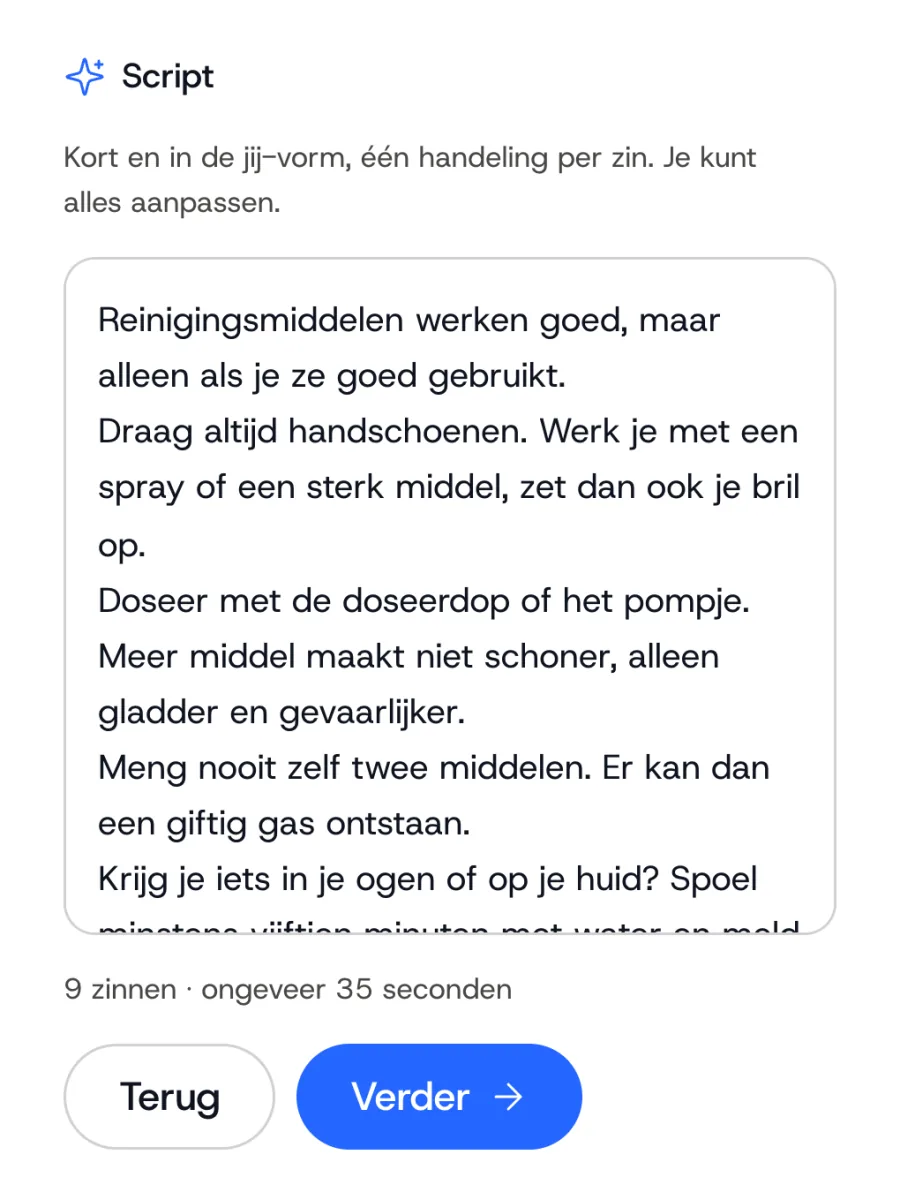
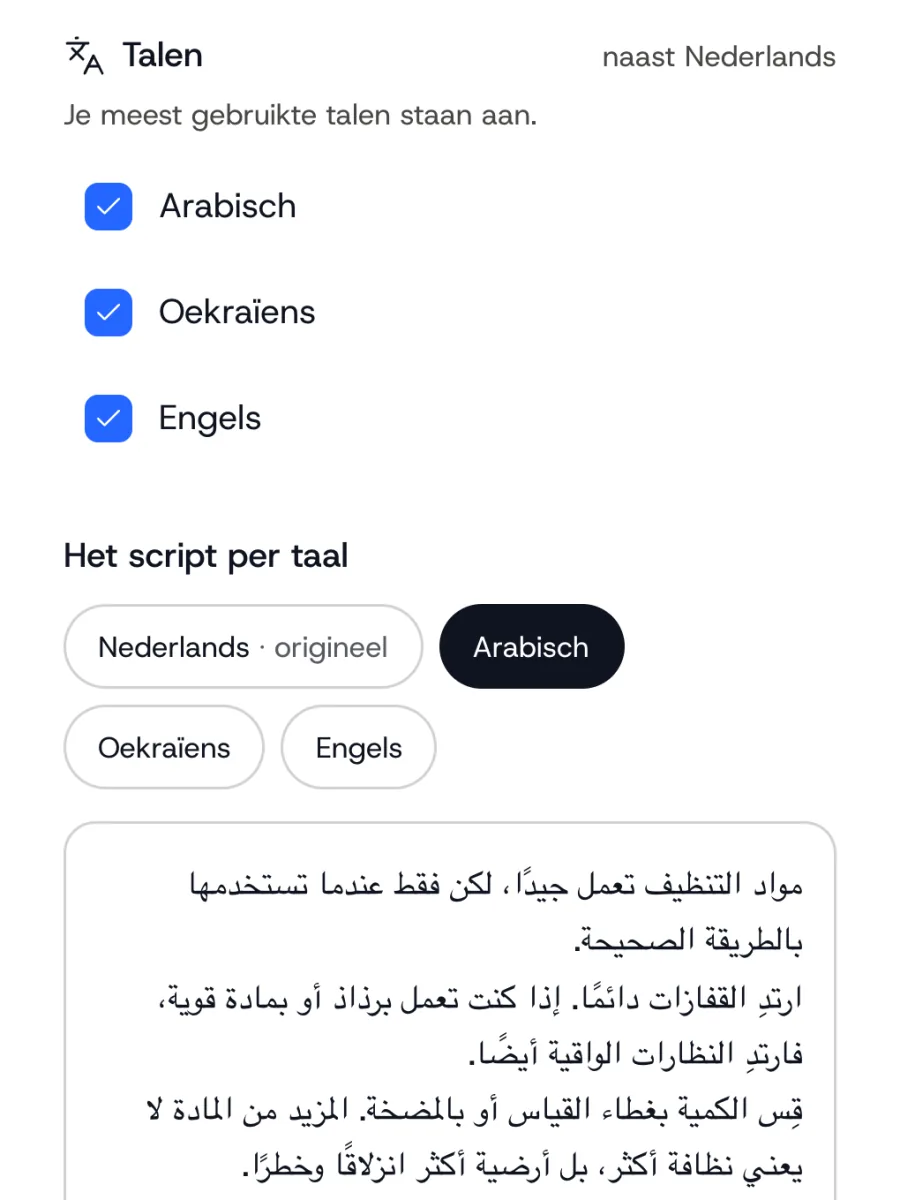
1 / 4
Series
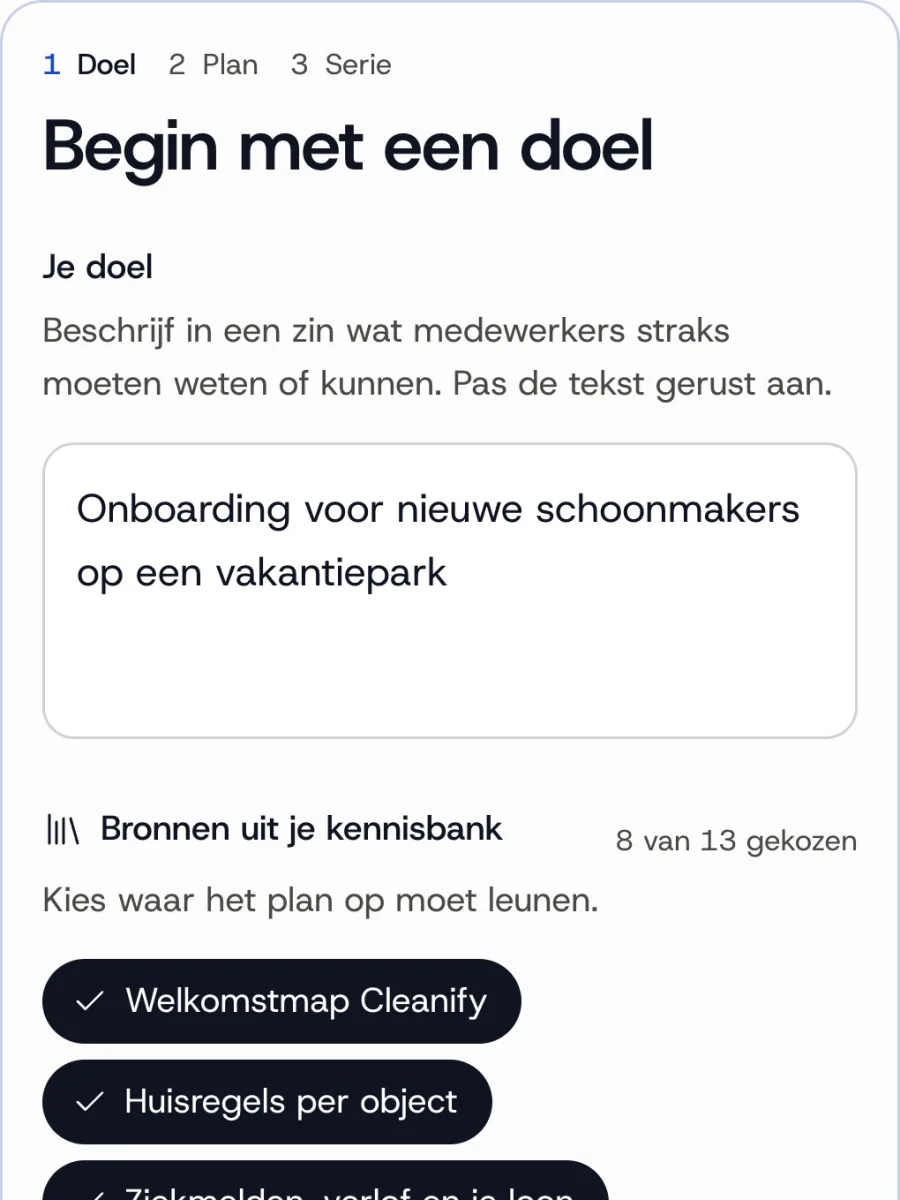
A whole series from one request.
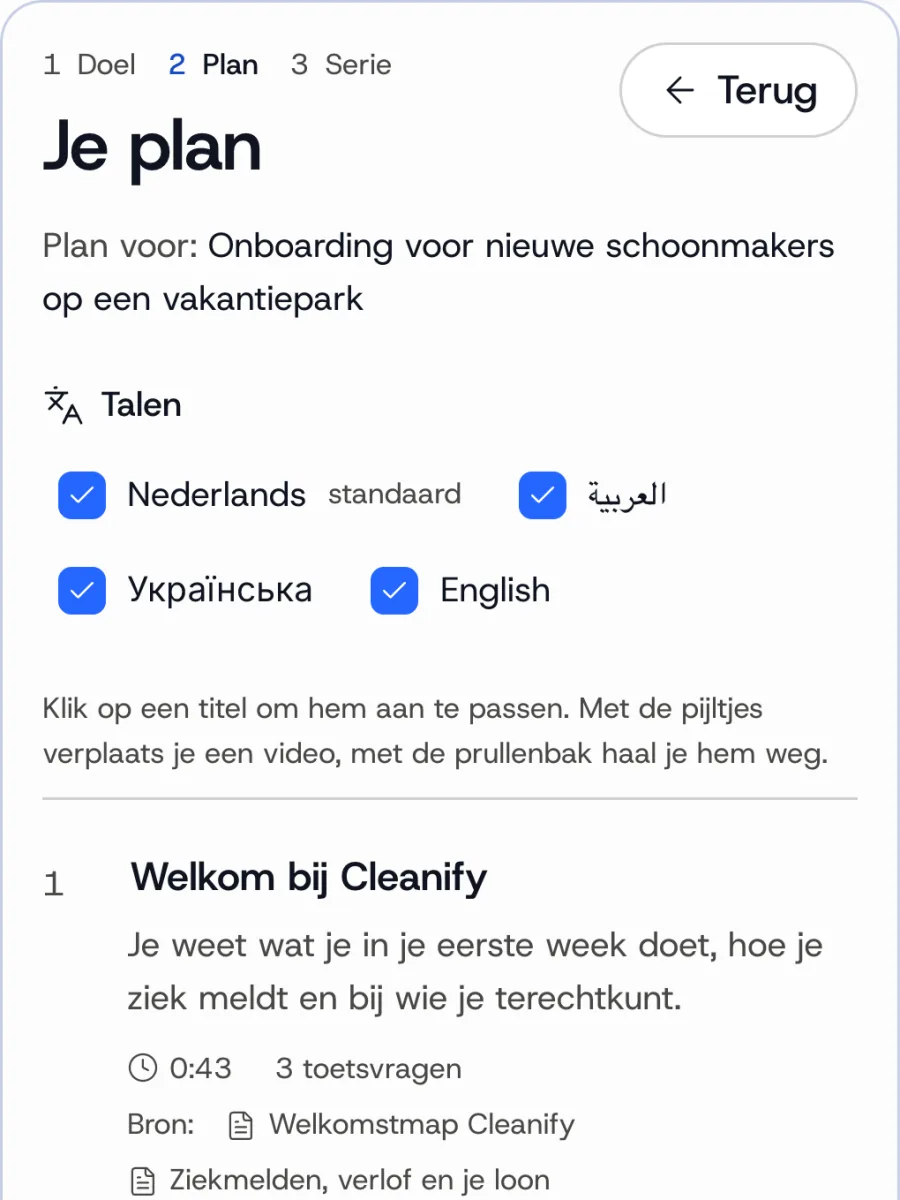
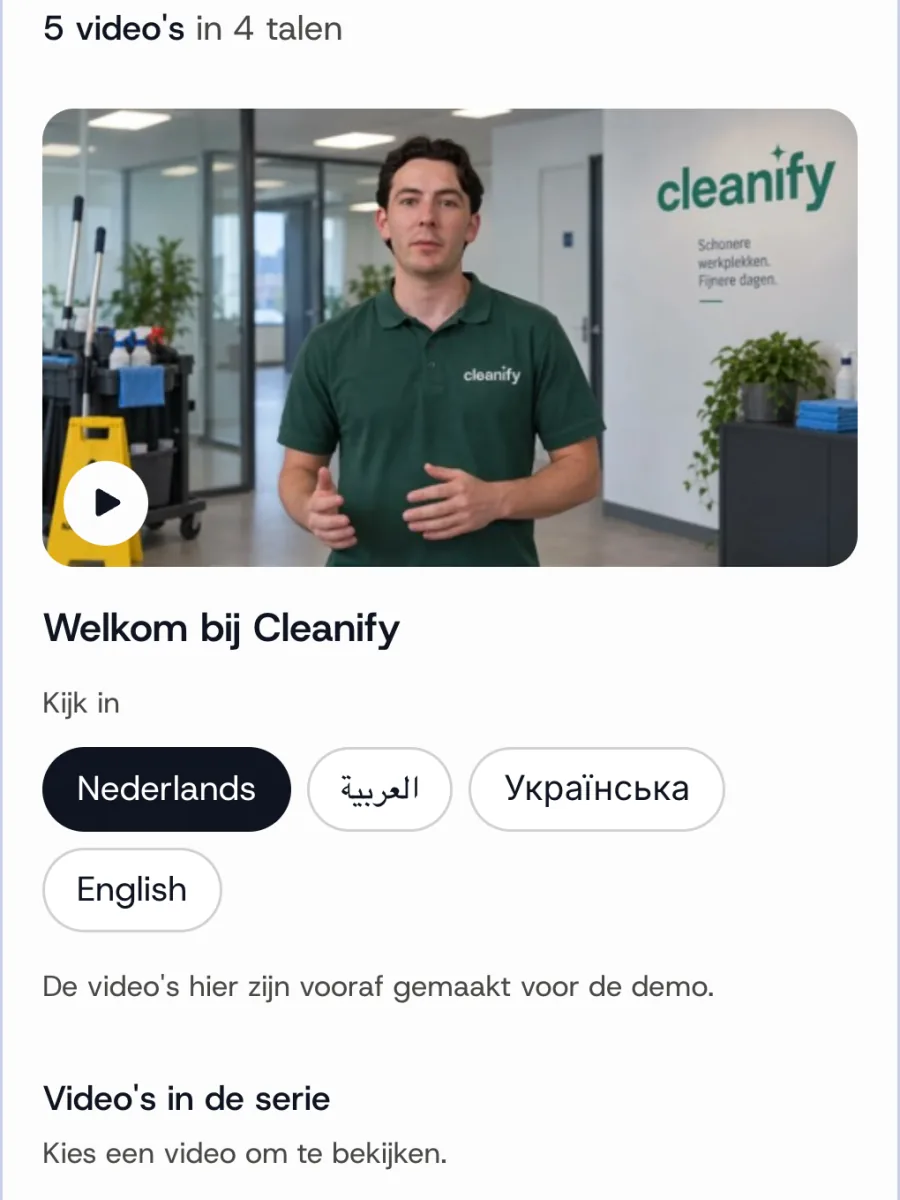
Ask for an onboarding for new cleaners, for example. You get a plan with videos and quiz questions, adjust whatever you like, and with one click everything is ready.
- A plan with videos, quiz questions and minutes
- Adjust it by hand, or just ask
- Becomes a module right away
1 / 3
Editing
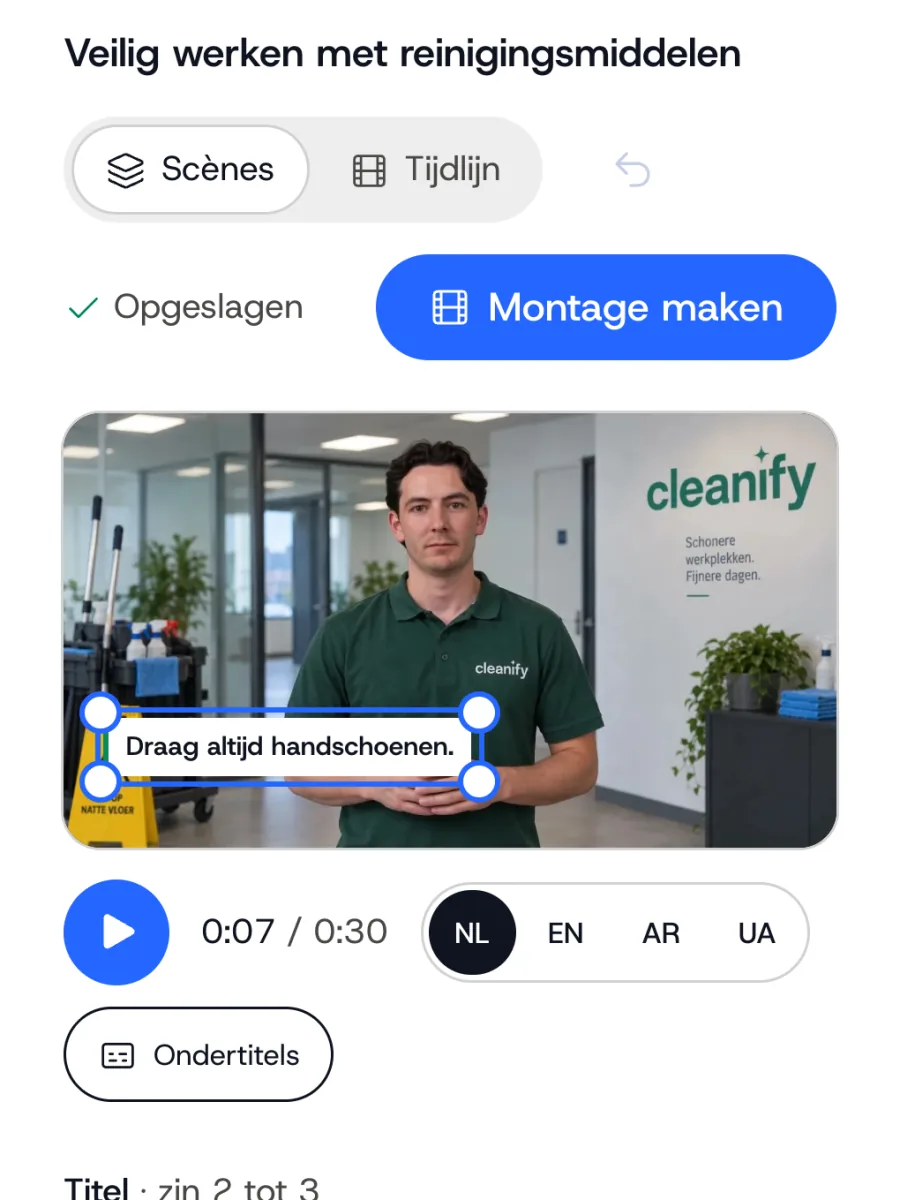
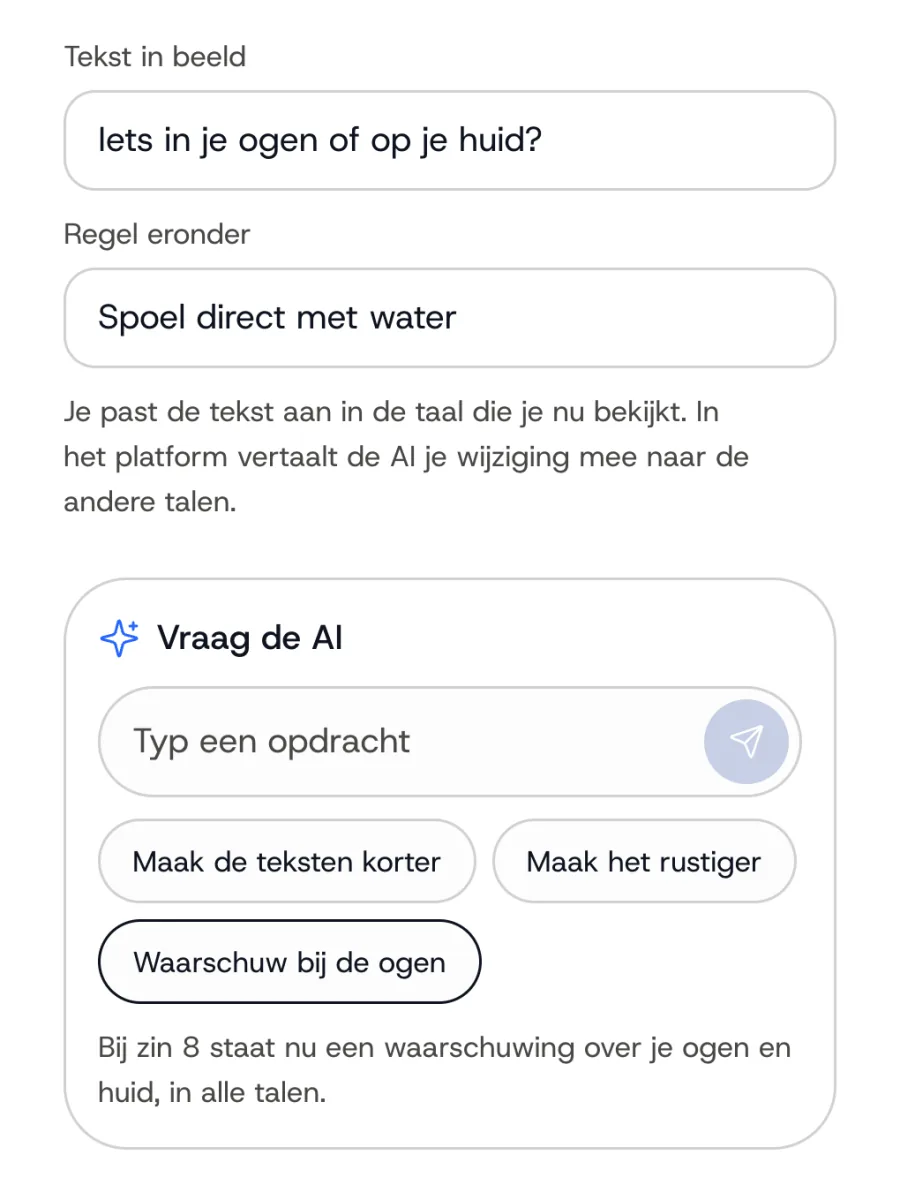
Adjust the edit just by asking.
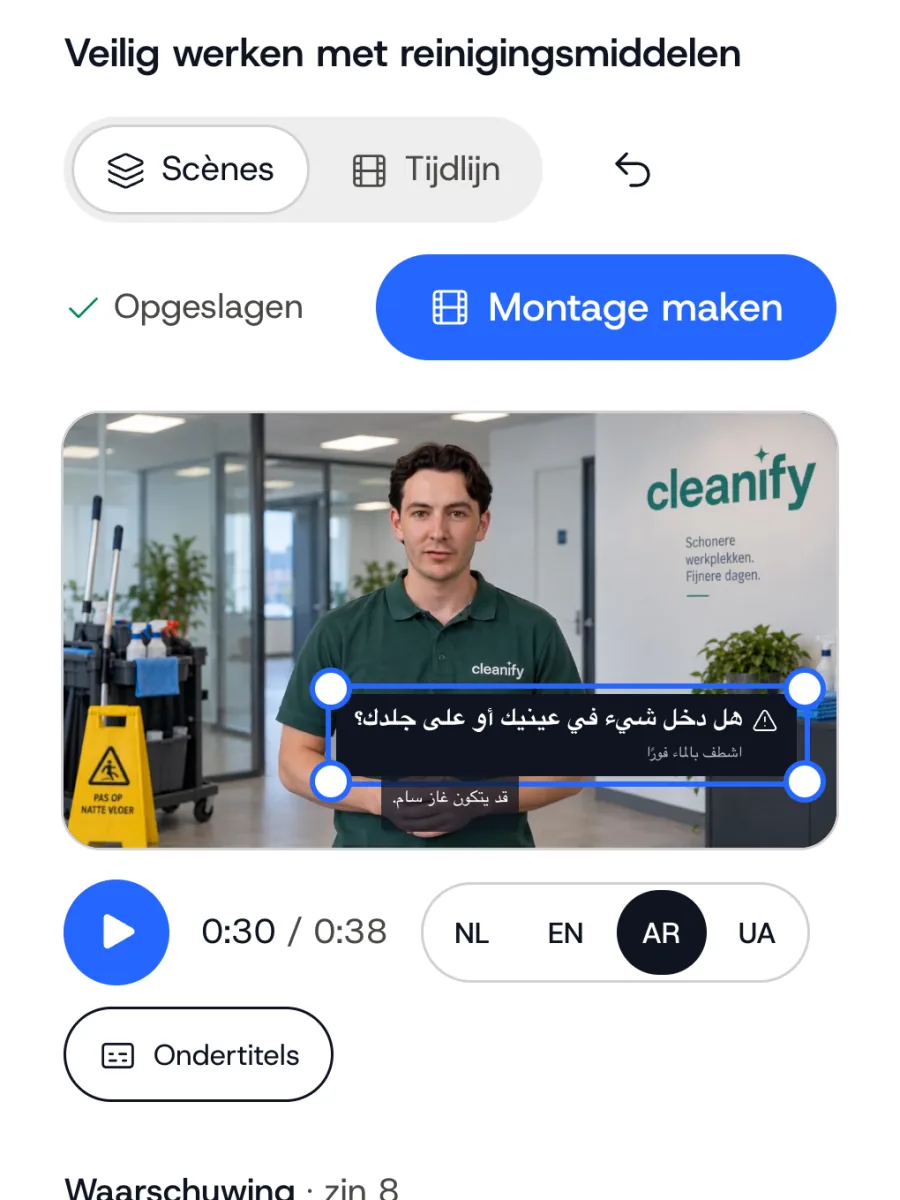
Ask for a calmer edit or more visuals. Watch the video in the chosen languages before you create it.
- Visuals and text at the right moment
- What you add comes back in the same place in the other languages
- Go back to an earlier version
1 / 3
Translation
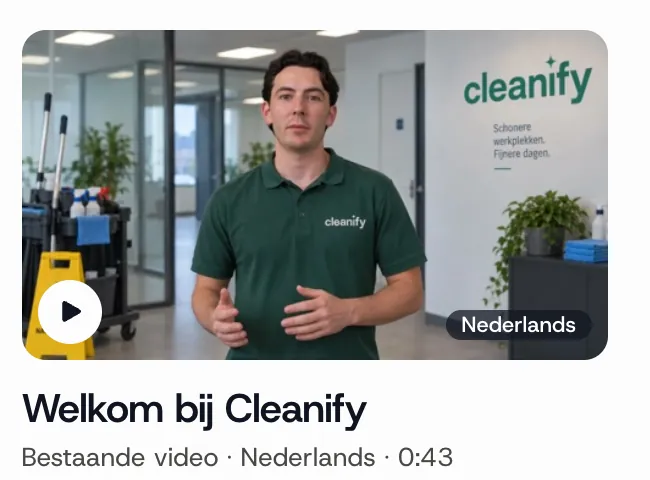
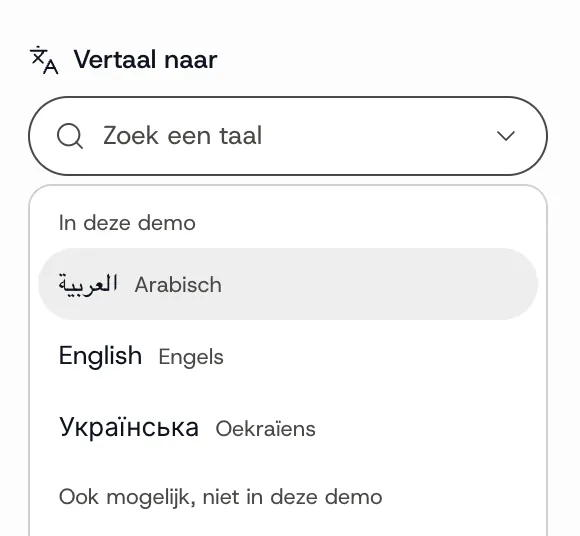
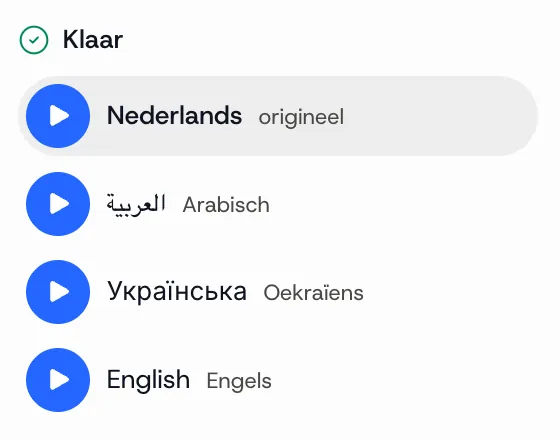
Videos you already have, in new languages.
A recording of someone showing how it is done does not need to be reshot. The same person speaks the video in other languages.
- No new recording day needed
- Also for videos where someone is working or walking around
- In the same player as your other videos
1 / 3
Knowledge
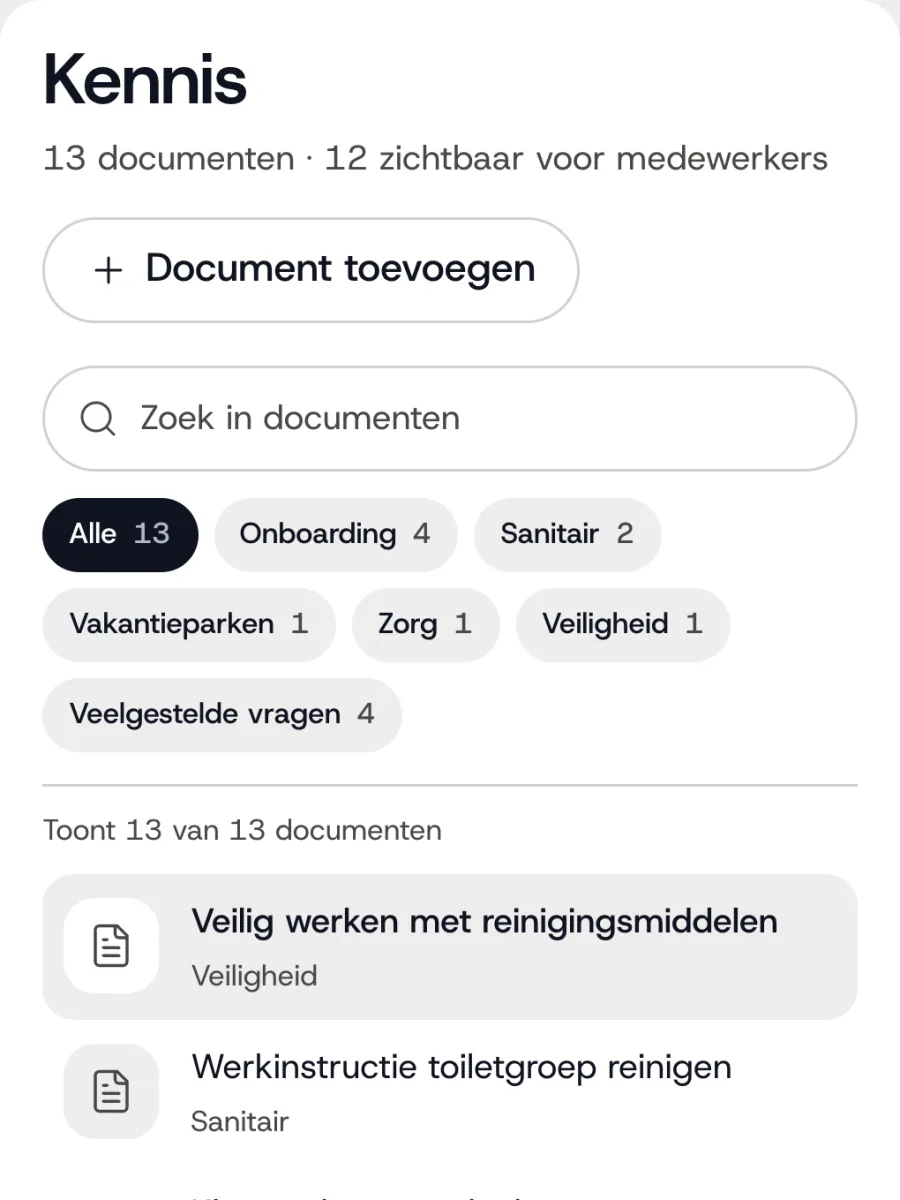
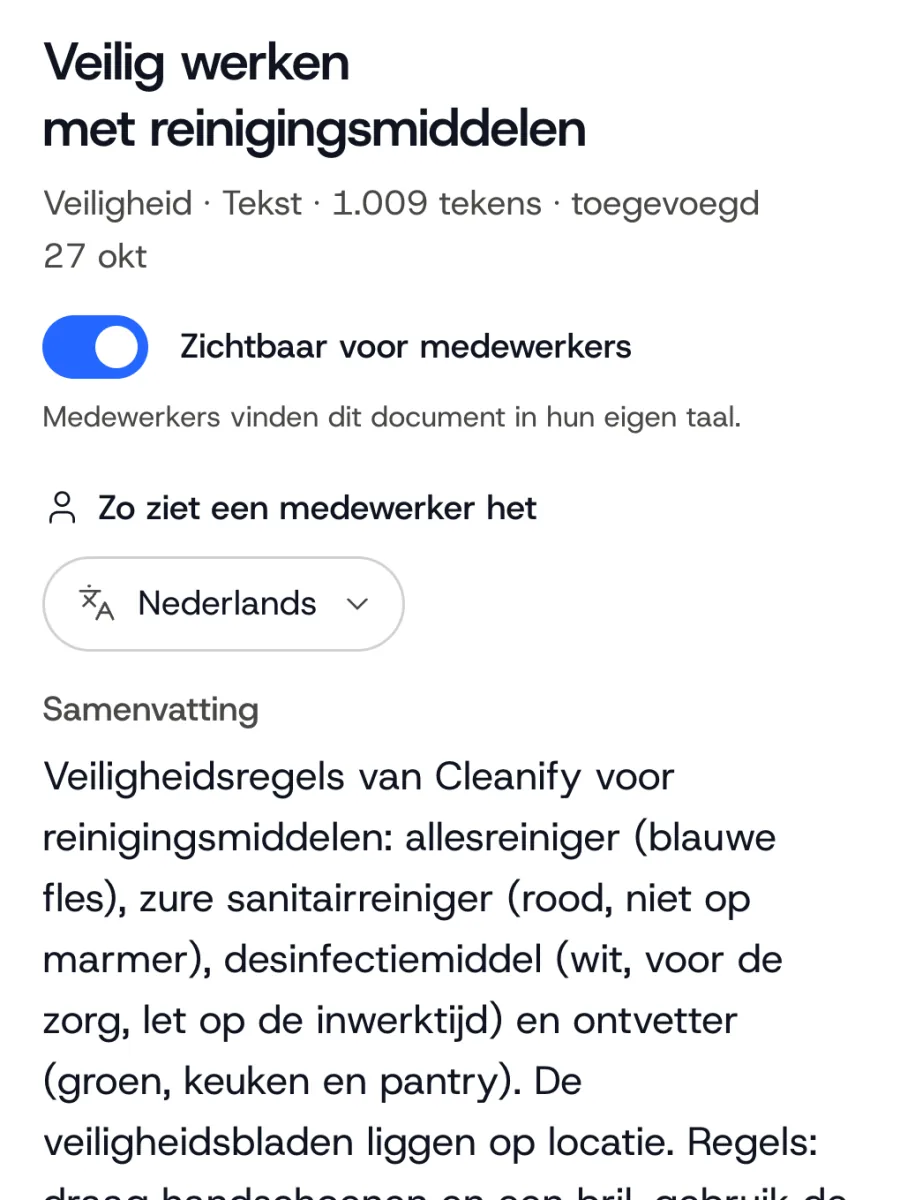
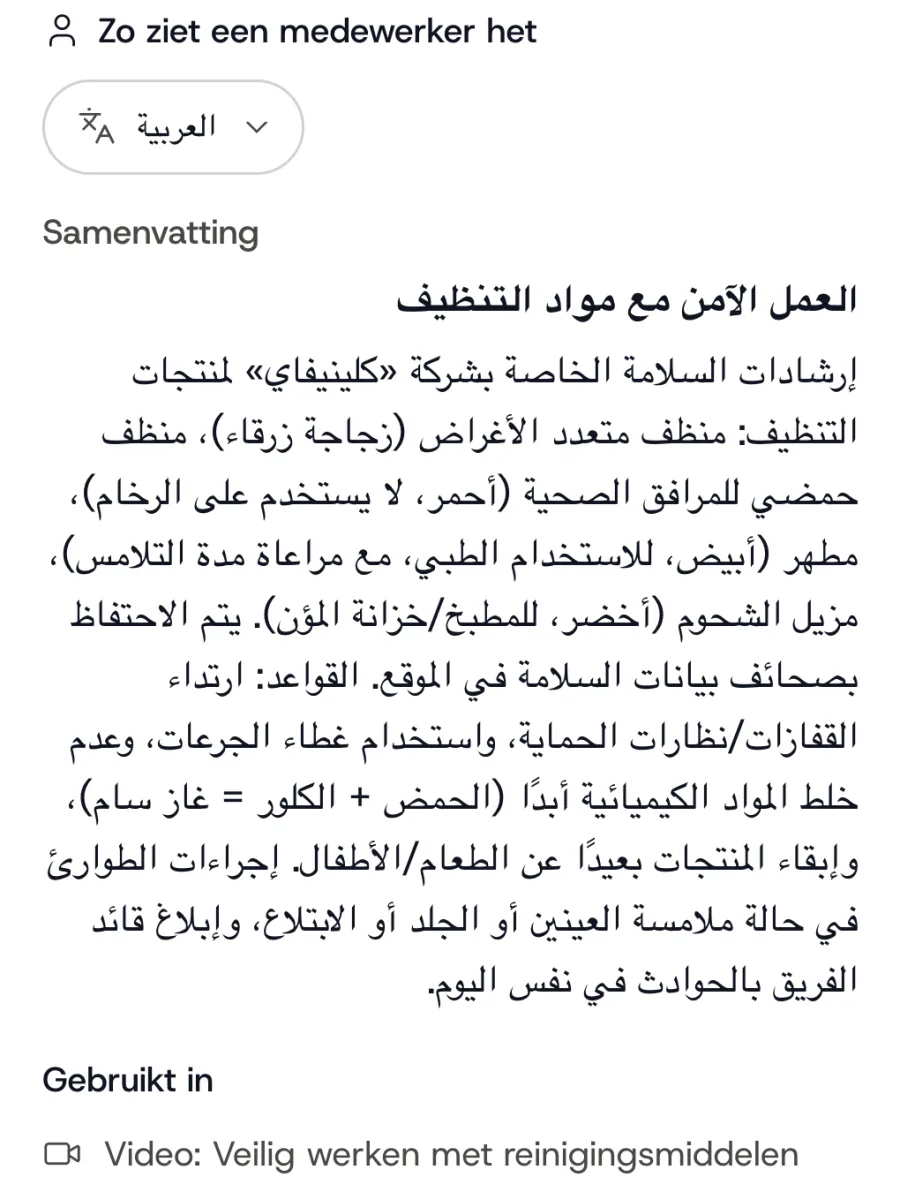
Videos that match how you work.
Add handbooks, protocols and work instructions. Scripts and answers come from them, in your own tone of voice.
- File, link or plain text
- Capture your own tone of voice
- Ideas for new videos
1 / 3
Multilingual player
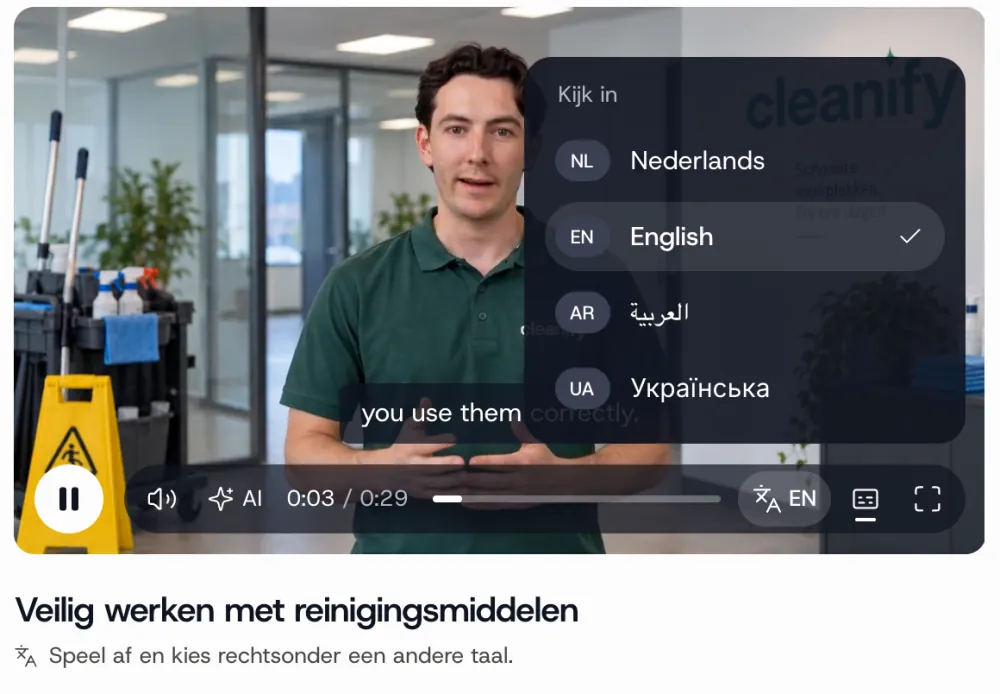
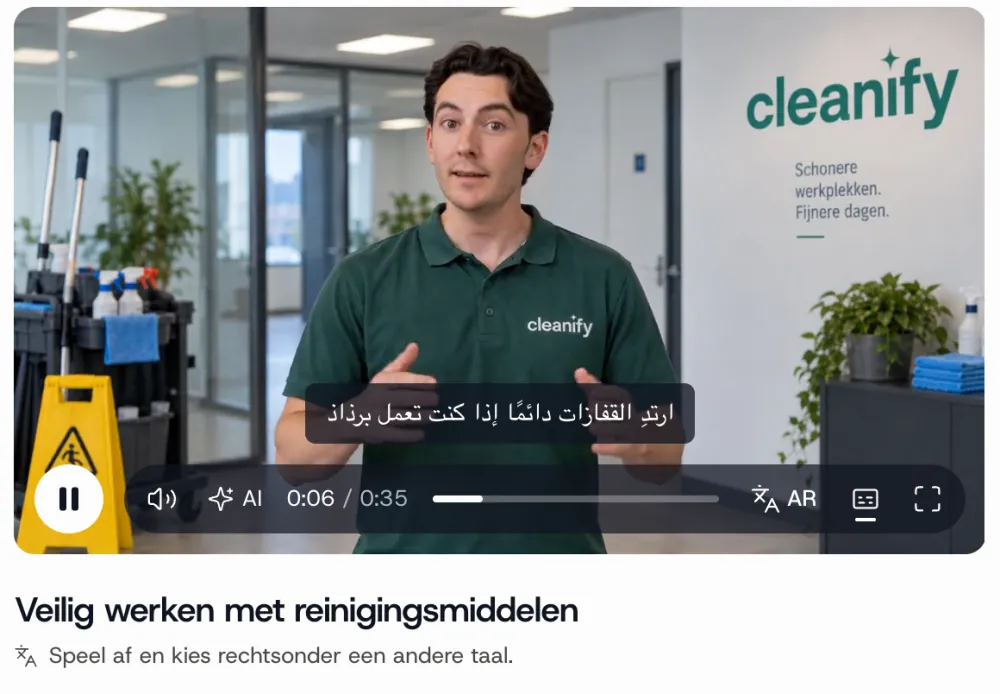
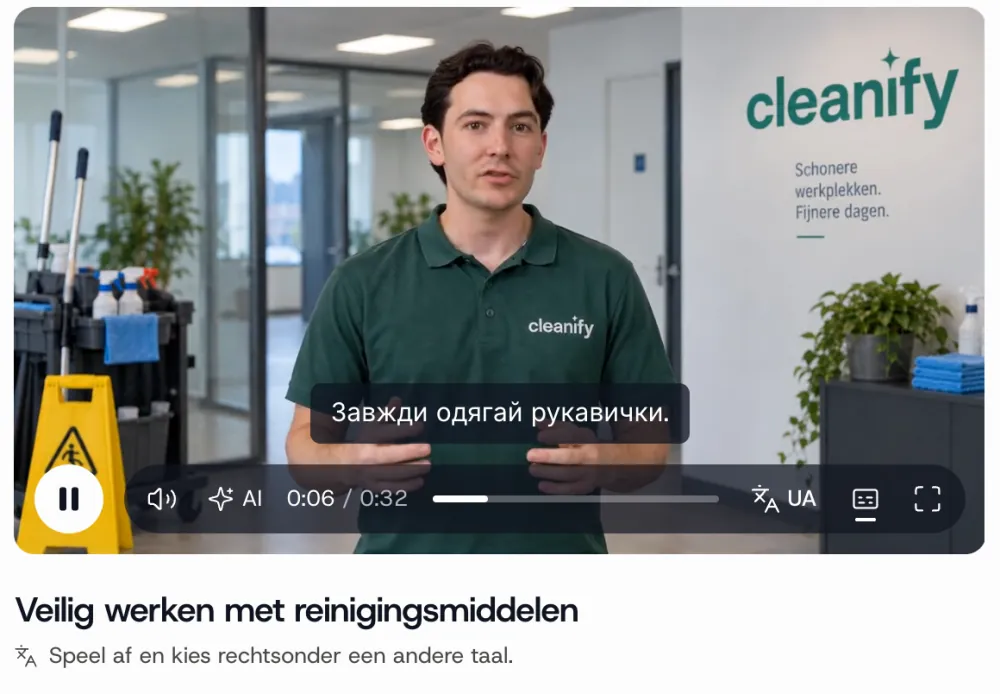
One link, 90 languages.
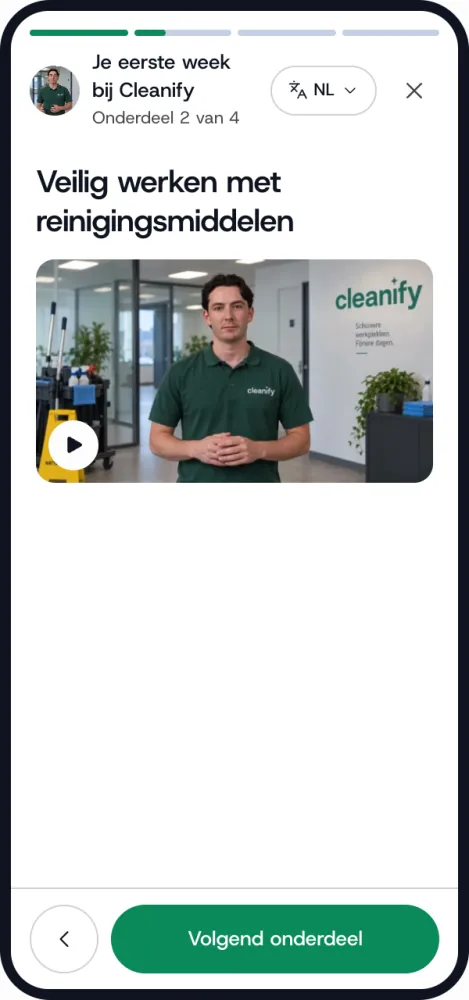
Employees choose their language. Voice, subtitles and on-screen text follow.
90languages in the same player
- All language versions of a video in the same player
- Choose a language and watch, nothing else to set up
- Subtitles for those who read along
1 / 3
Sharing
The explanation is where the work happens.
Not in a folder on a server, but on the employee's phone.
- A link for WhatsApp, email or the team meeting
- An embed code for your own portal or learning platform
- A QR code on the cleaning trolley, at the machine or on the building site
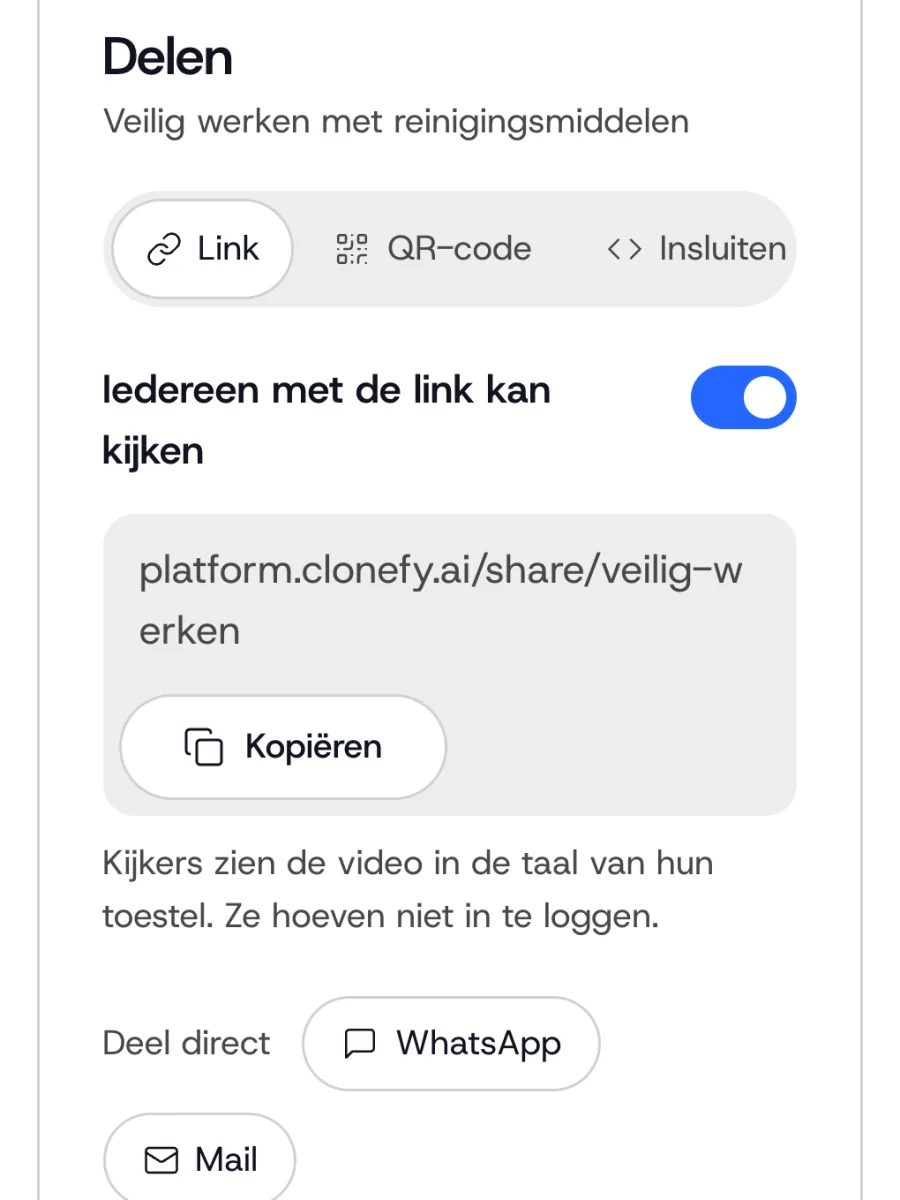
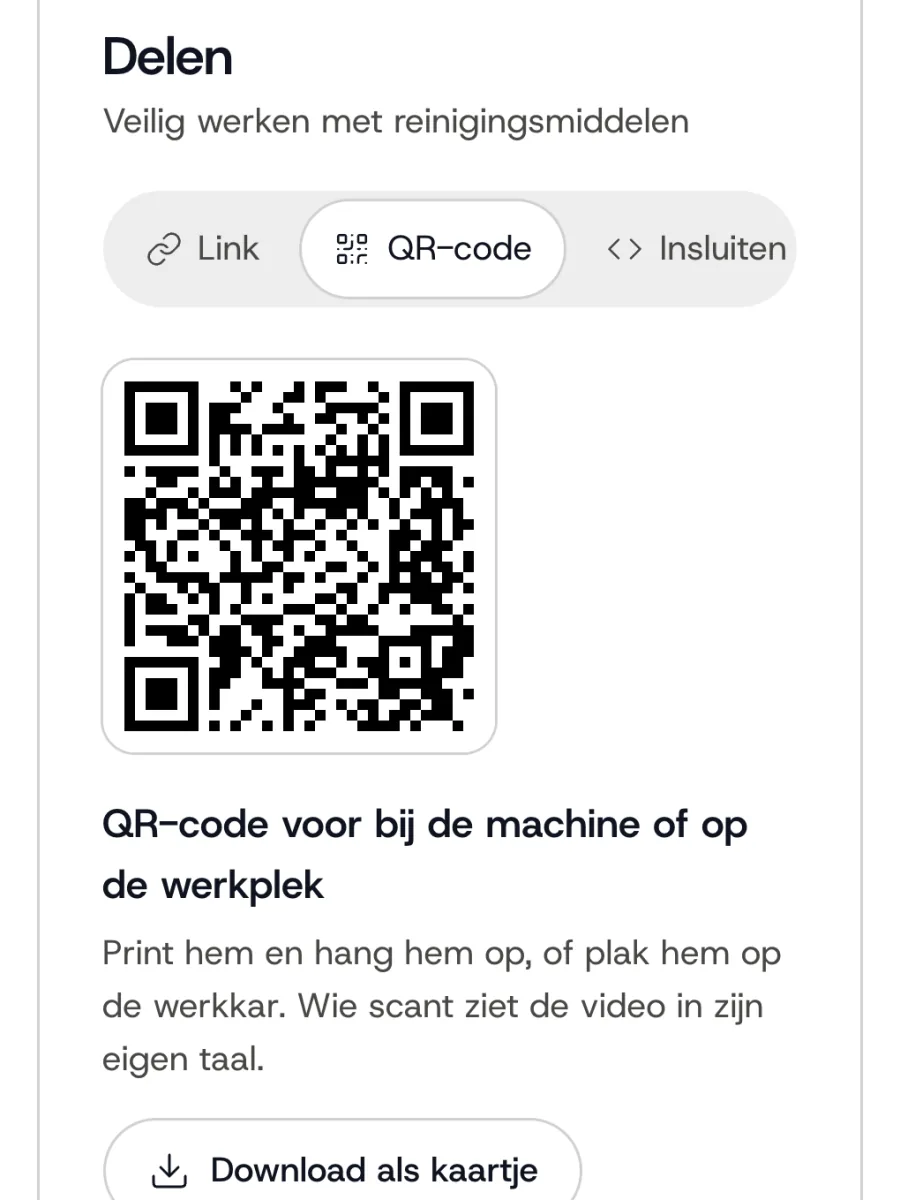
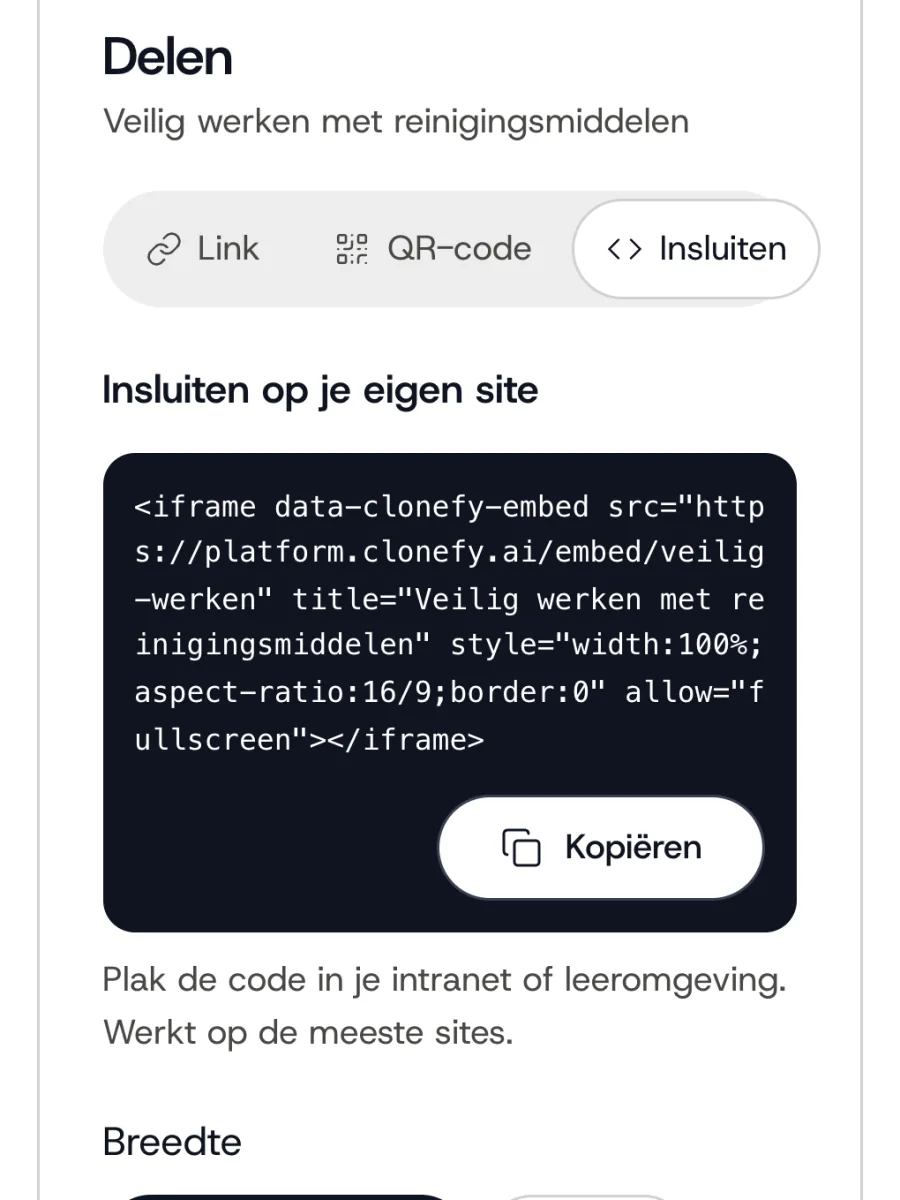
1 / 3
Employee portal
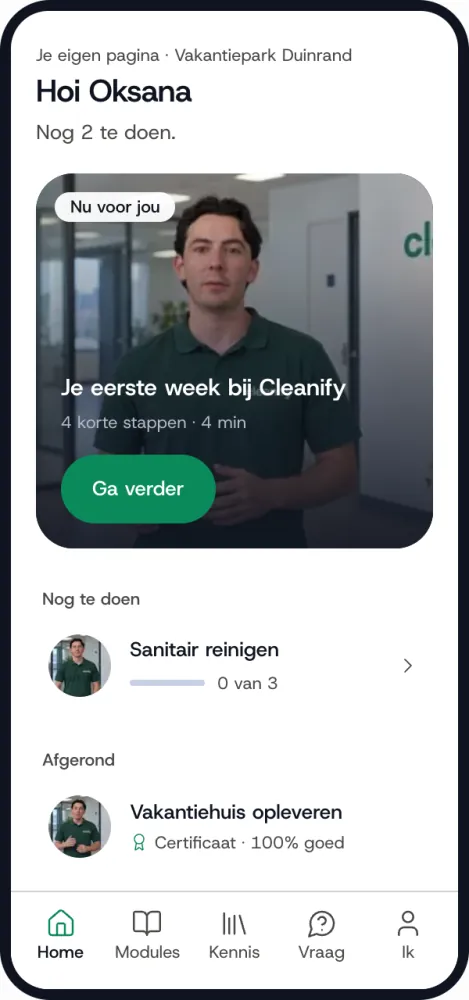
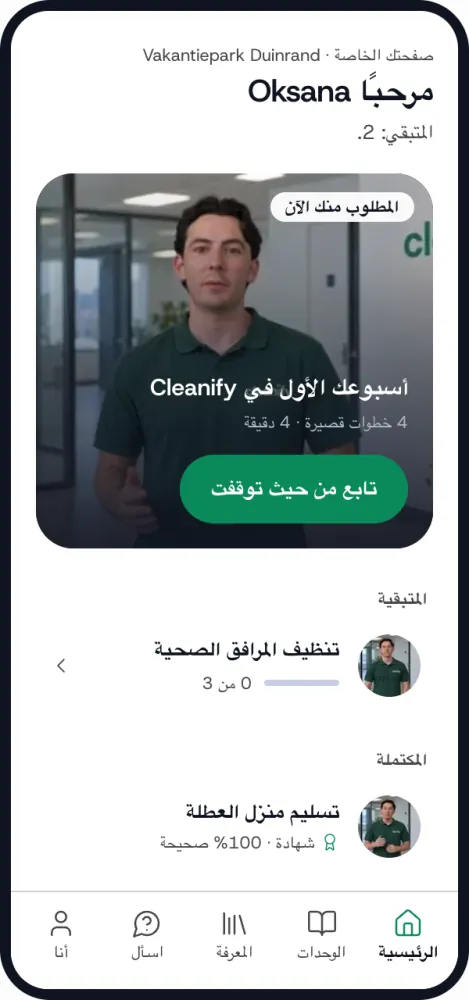
A space of their own for every employee.
All videos and modules in one place, without a login or app. Even if you do not have a system of your own.
- What is waiting for them, training, messages and certificates
- A personal QR card to invite employees
- Import from a list, per site or department
1 / 4
Modules
Check whether the explanation landed.
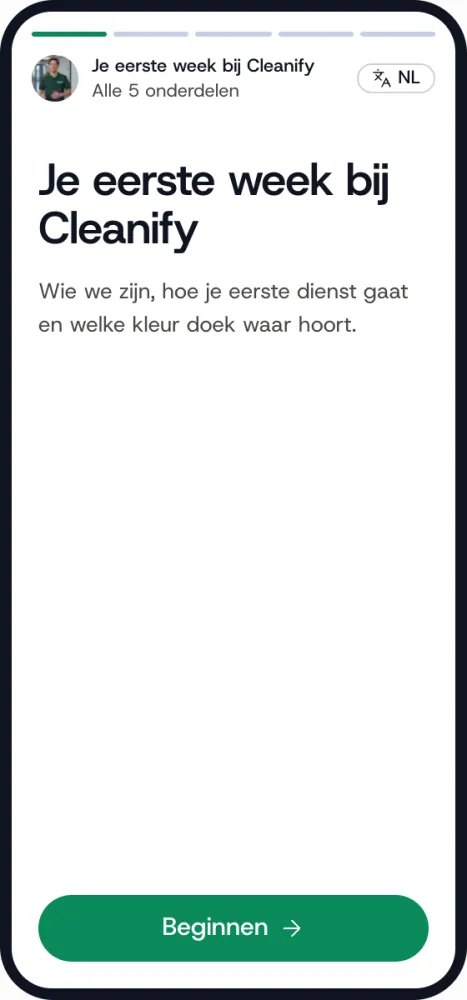
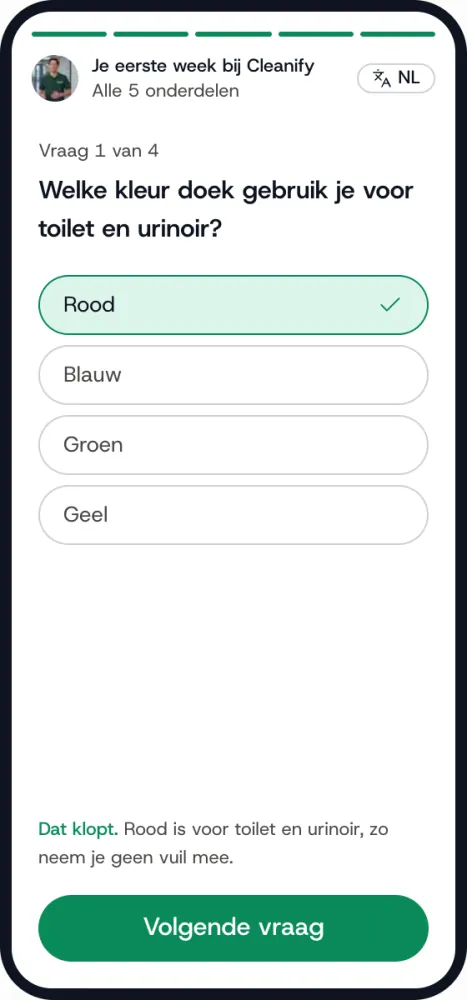
Explaining something is one thing, knowing it landed is another. A module puts videos and questions in a row.
- Questions below the video, in the same language as the explanation
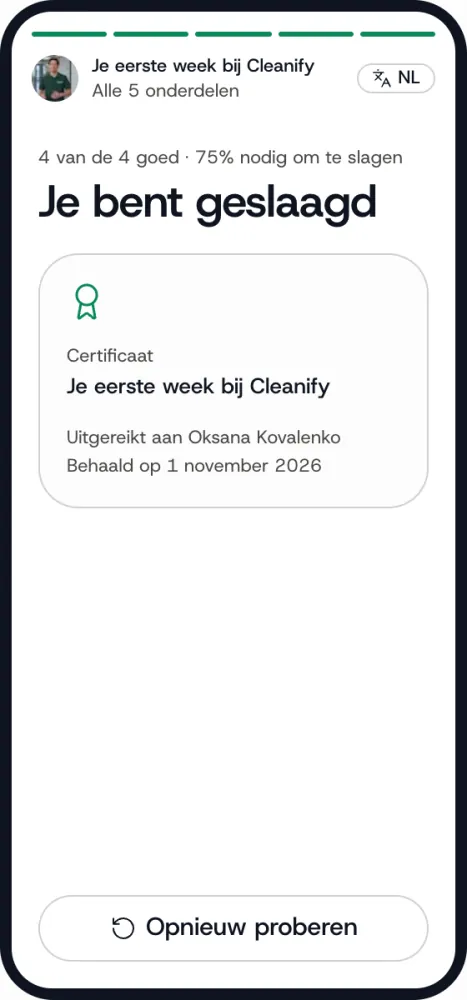
- See per employee who has completed the module
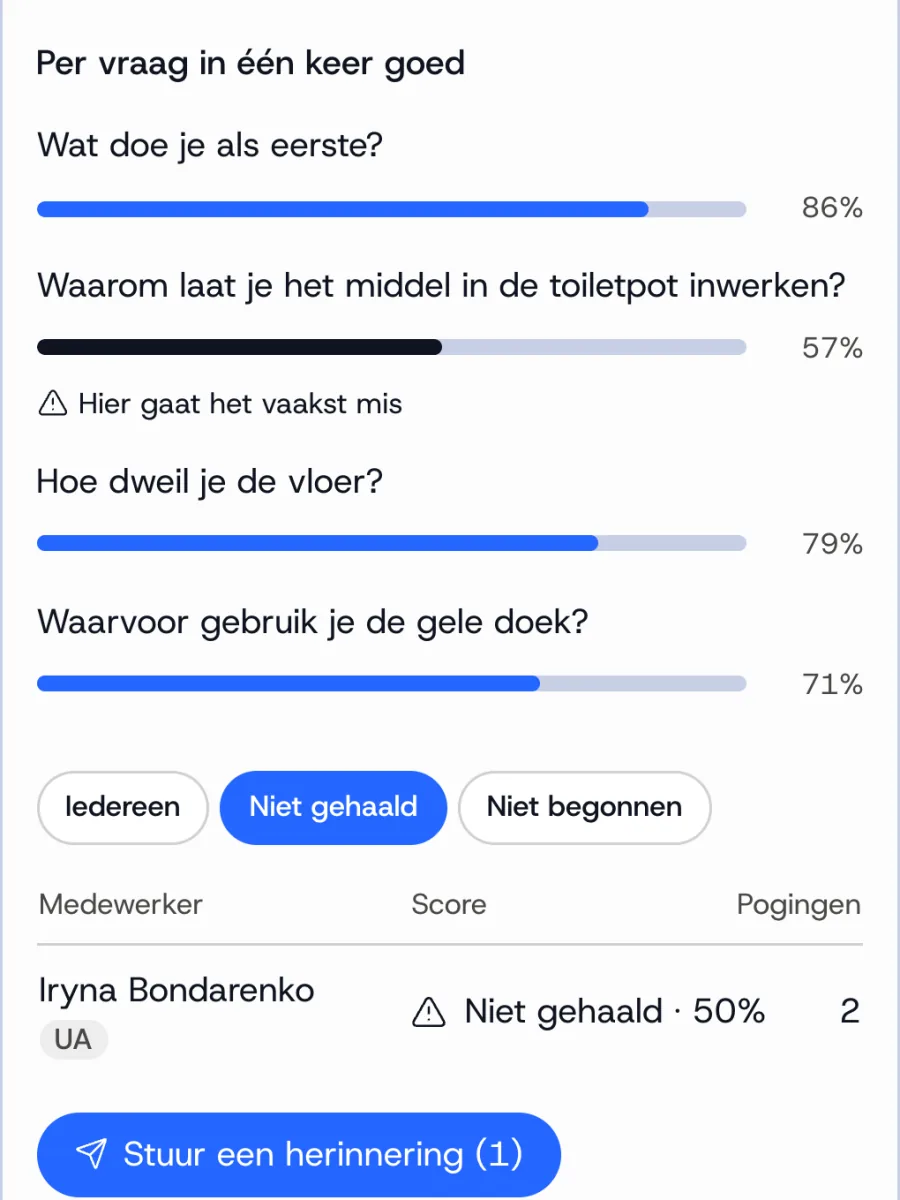
- See which answers were given, so you know where things go wrong
- Pass mark and certificate at the end
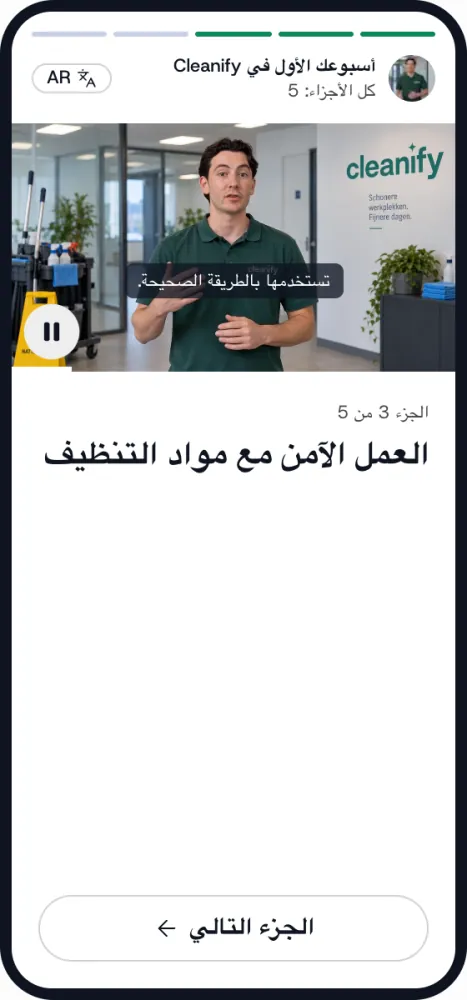
1 / 4
Results
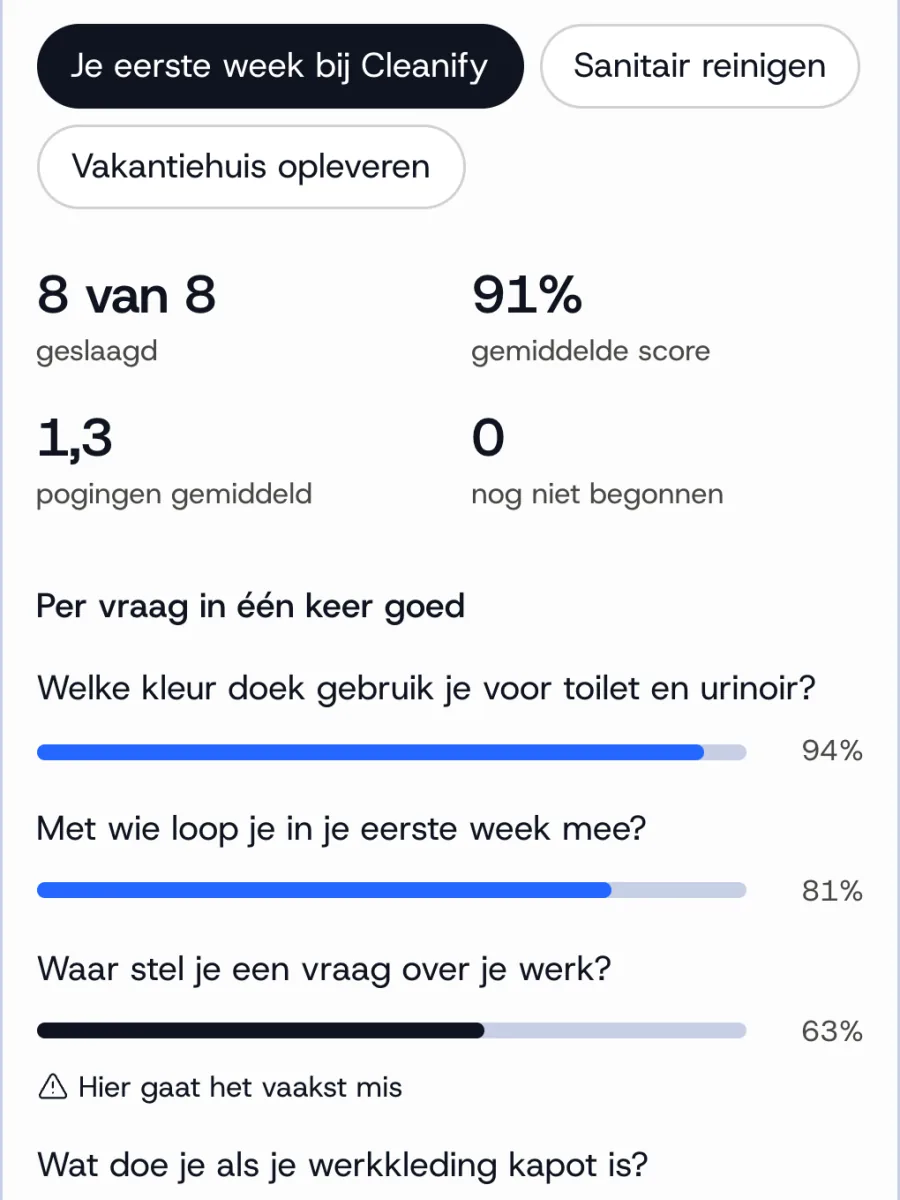
You see who has watched it, and who has not yet.
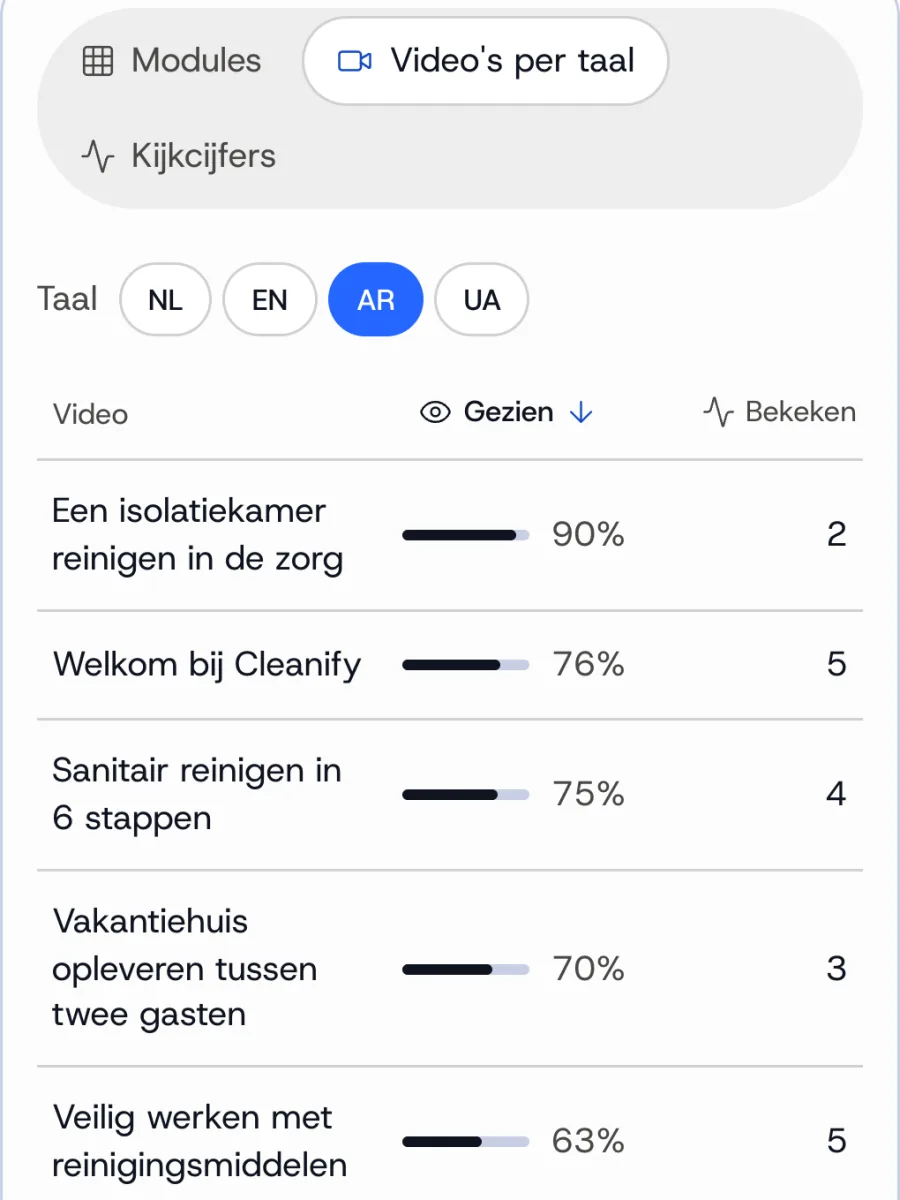
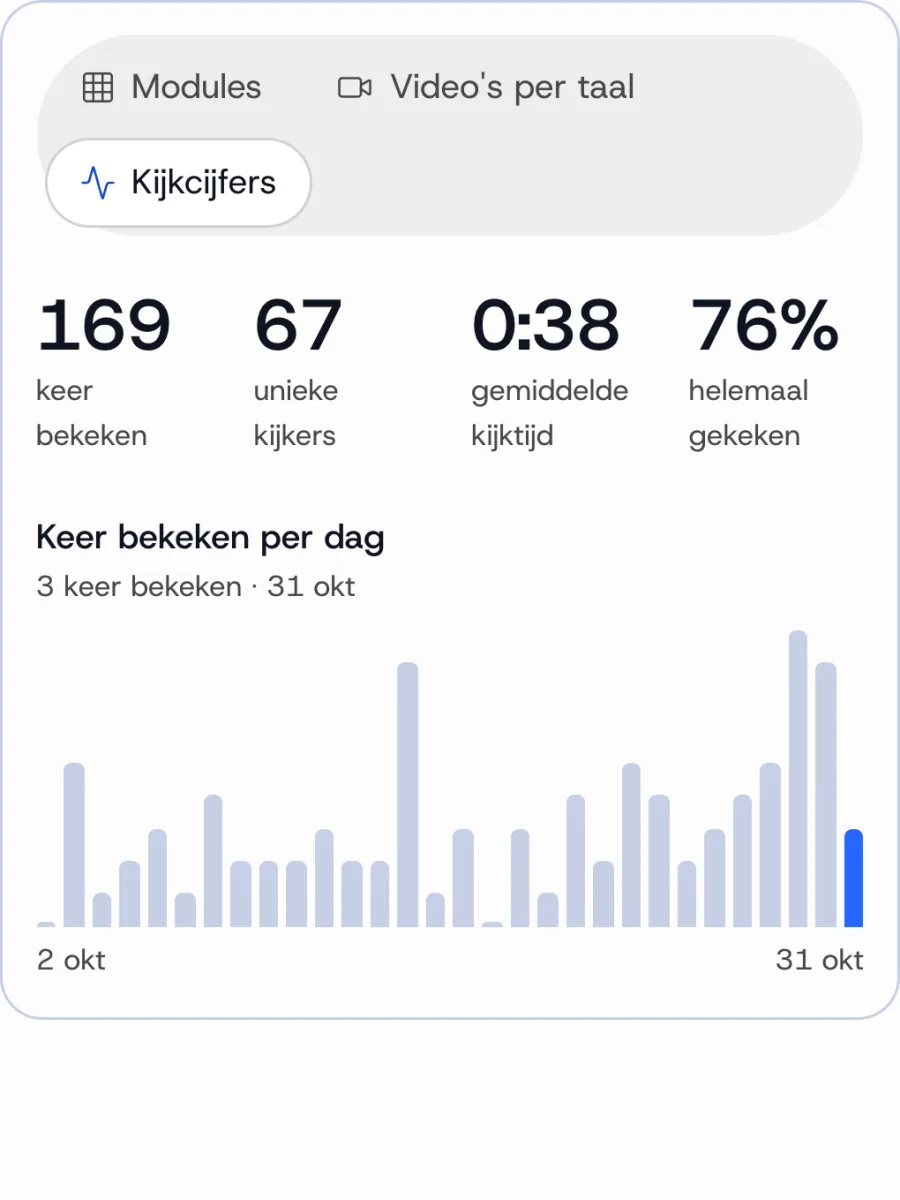
How often and how far a video was watched, in which language, and who completed a module.
- Per video, module and language, downloadable as an overview
- Anyone who has not started or passed yet gets a reminder in one click
- Which questions are often answered wrong, and in which language
1 / 4
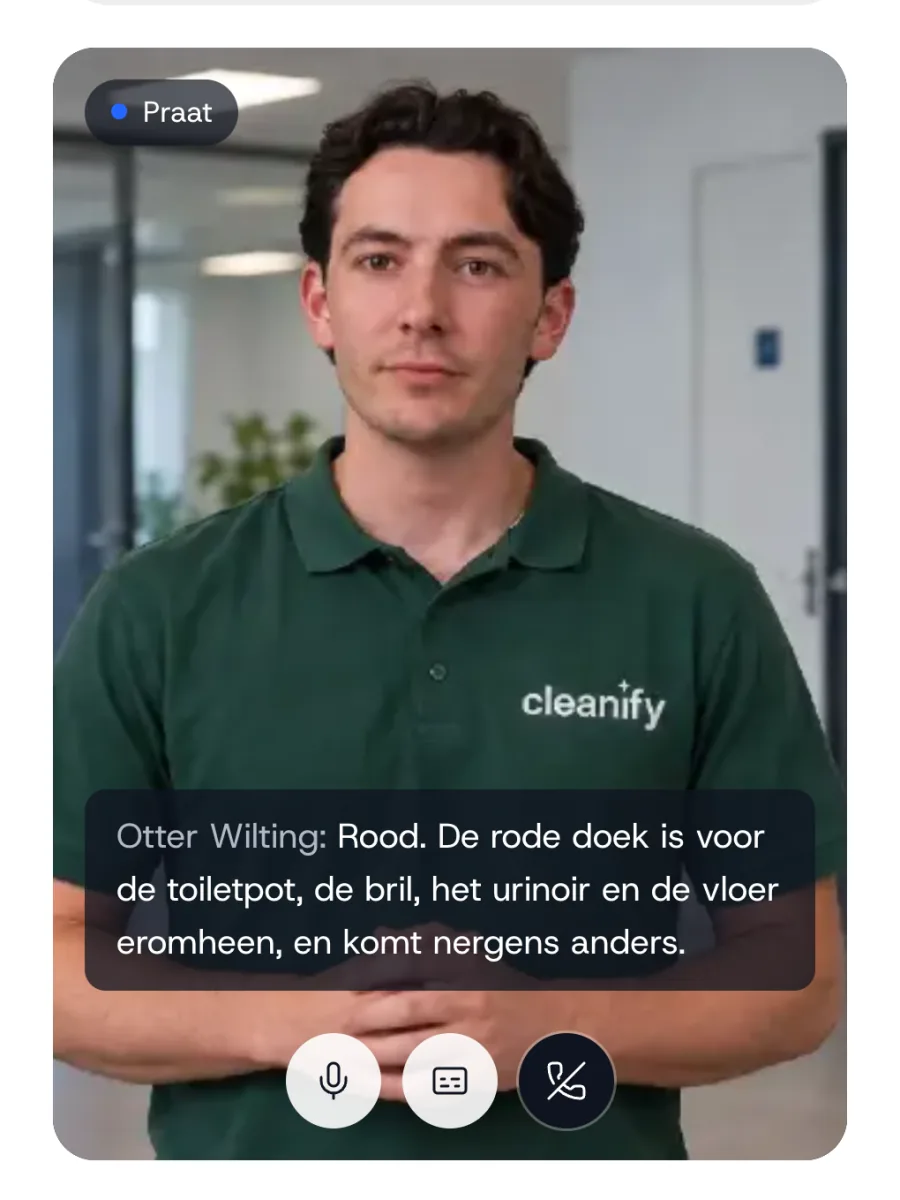
Interactive clone
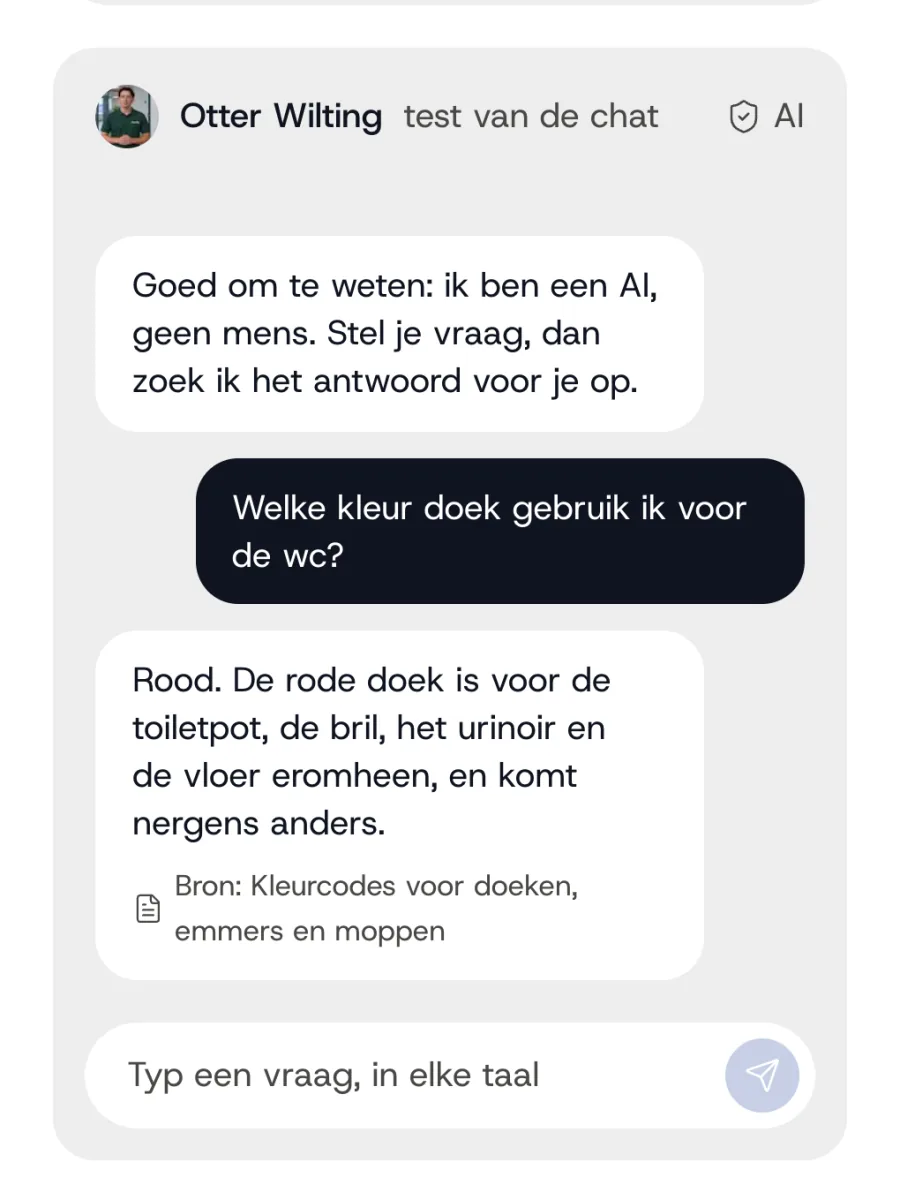
Add-onEmployees put their questions to the clone.
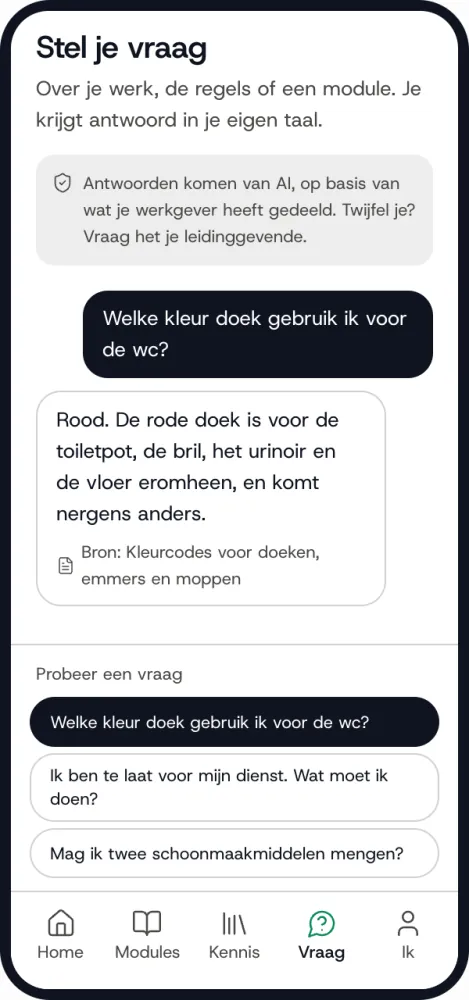
By typing or talking, in their own language. The answer comes from your own knowledge.
Investment
On request
On top of the investment for the platform.
- Via
- Link, QR code or a button on your site
- Chat
- Unlimited
1 / 2
Want to walk through the platform yourself?
In half an hour we walk through the platform together, with an example from your own work.
We discuss your situation and show you live how it would work for you. 30 minutes, no obligation.